Free guides
Your business online, made simple.
Short videos that walk small-business owners through the website and Google basics, one step at a time. Free, no sign-up, watch anytime.
Get found on Google & maps
Show up when nearby customers search, with the details that make them pick you.
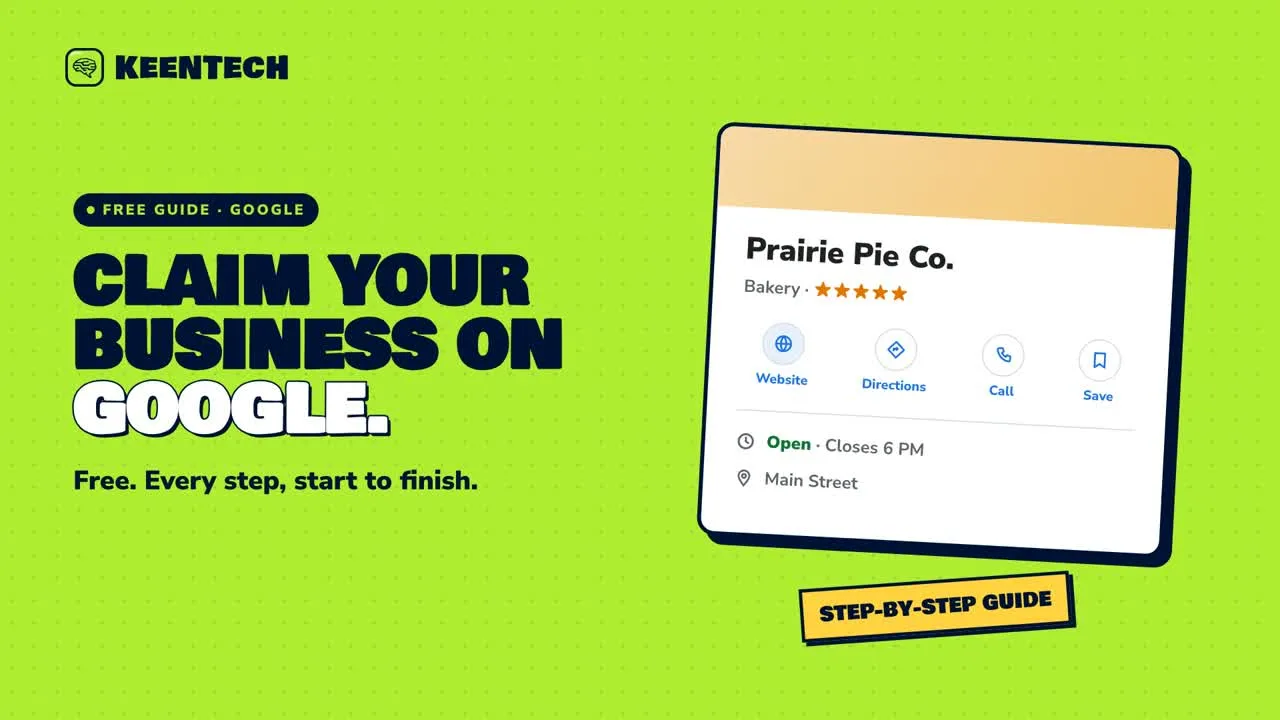 1:56Claim your free Google Business ProfileCreate or claim your free Google Business Profile, from picking a category to getting verified, so customers can find you on Search and Maps.
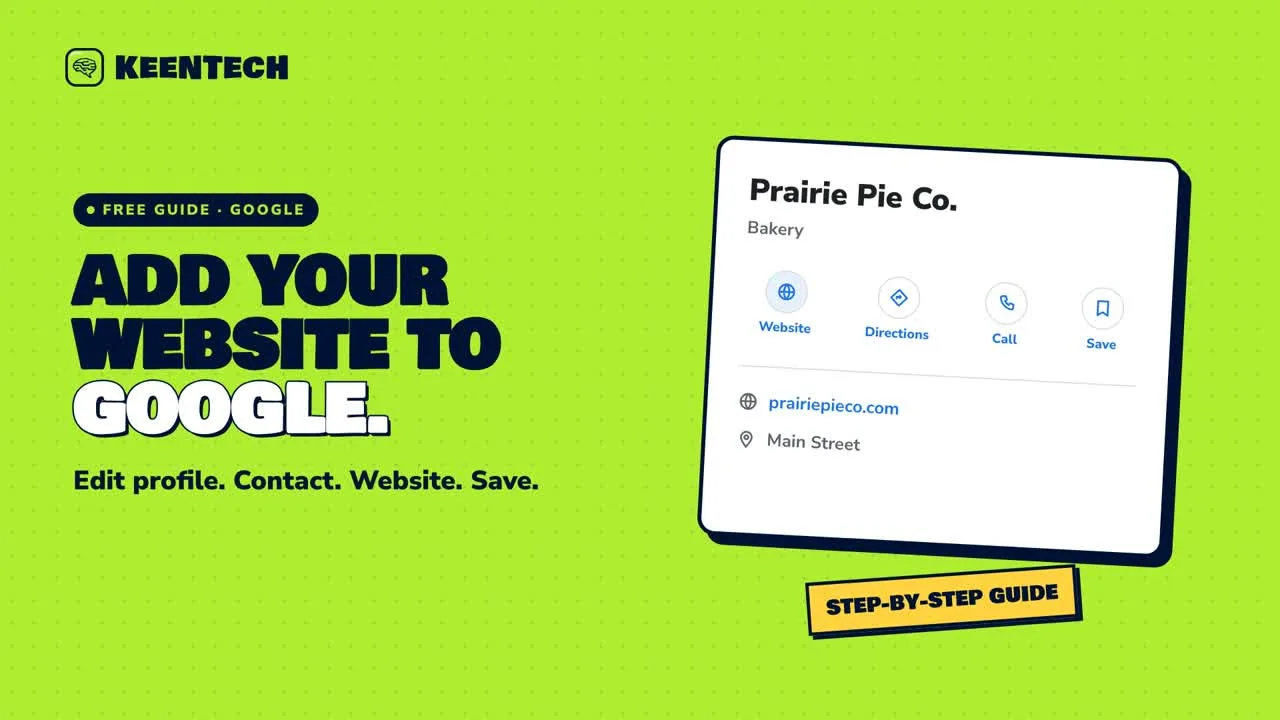 2:06Add your website to GooglePoint the Website button on your Google Business Profile to your site, in four quick steps.
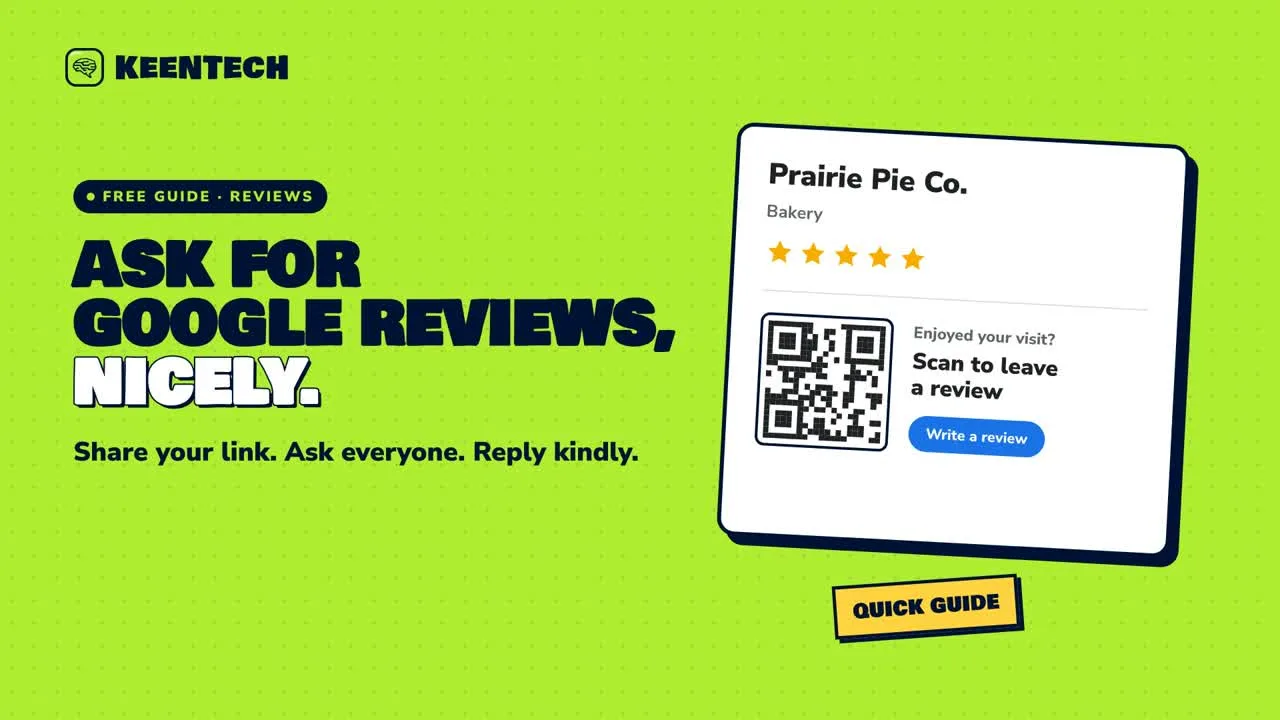 1:46Ask for Google reviews without being pushyGet your Google review link, share it naturally, reply kindly, and stay within Google’s review rules.
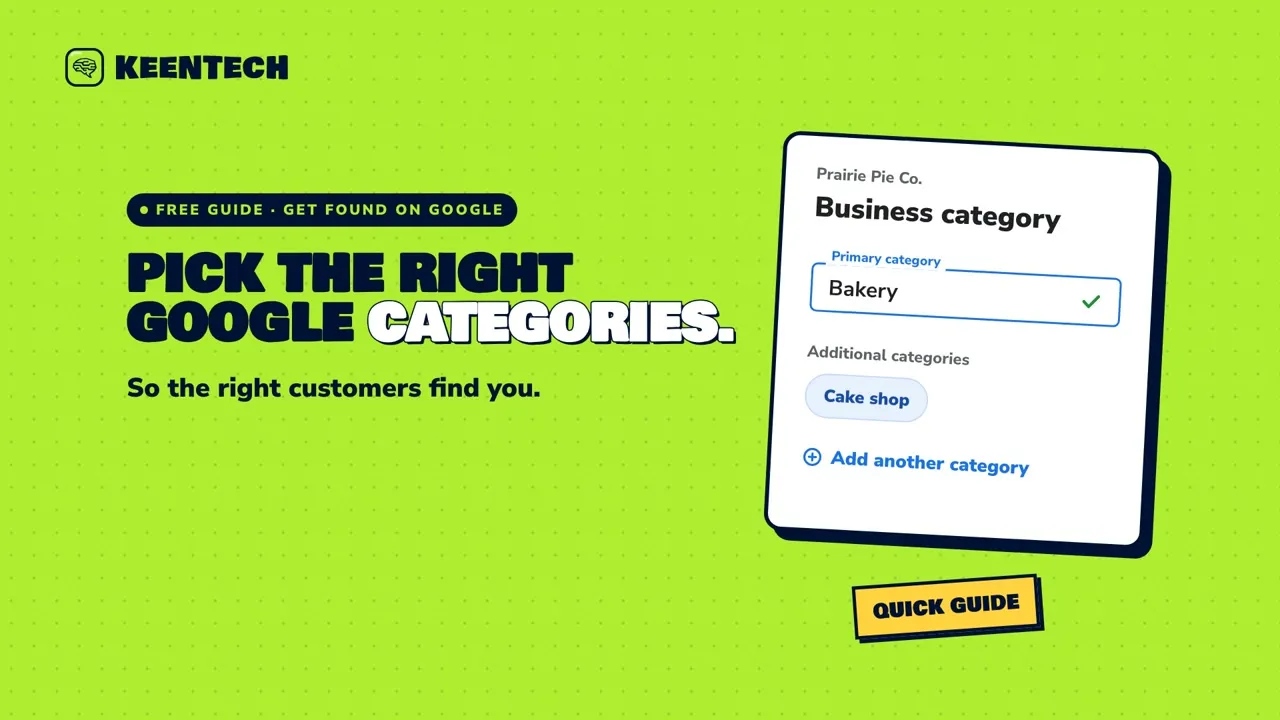 1:58Pick Google Business Profile categories that get you foundLearn how to choose the Google Business Profile categories that describe your business, where to change them, and why your business name should stay keyword-free.
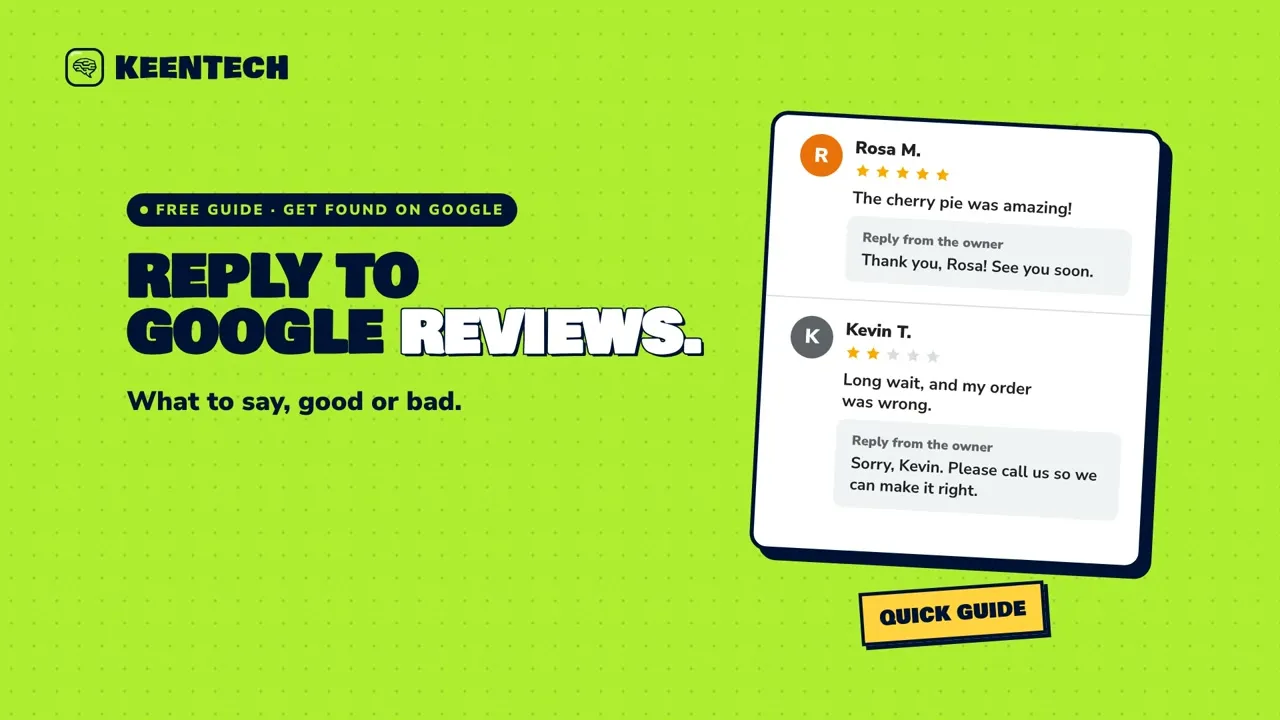 1:54Reply to Google reviews, good and badHow to reply to Google reviews, both the five-star ones and the tough ones, with short replies you can copy, plus how to edit a reply and when to report a review.
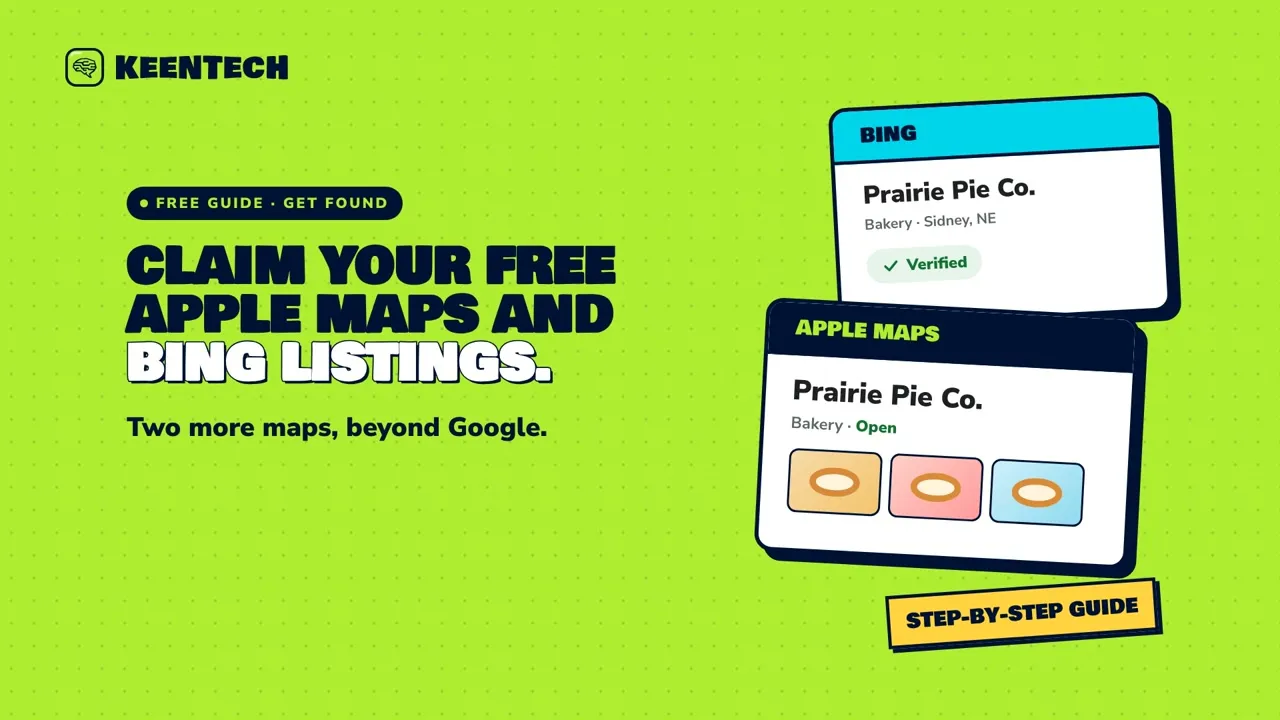 1:50Claim your free listings on Apple Maps and BingGoogle isn’t the only map. Here’s how to claim your free listings on Apple Maps (through Apple Business) and on Bing Places, and keep them matching your Google profile.
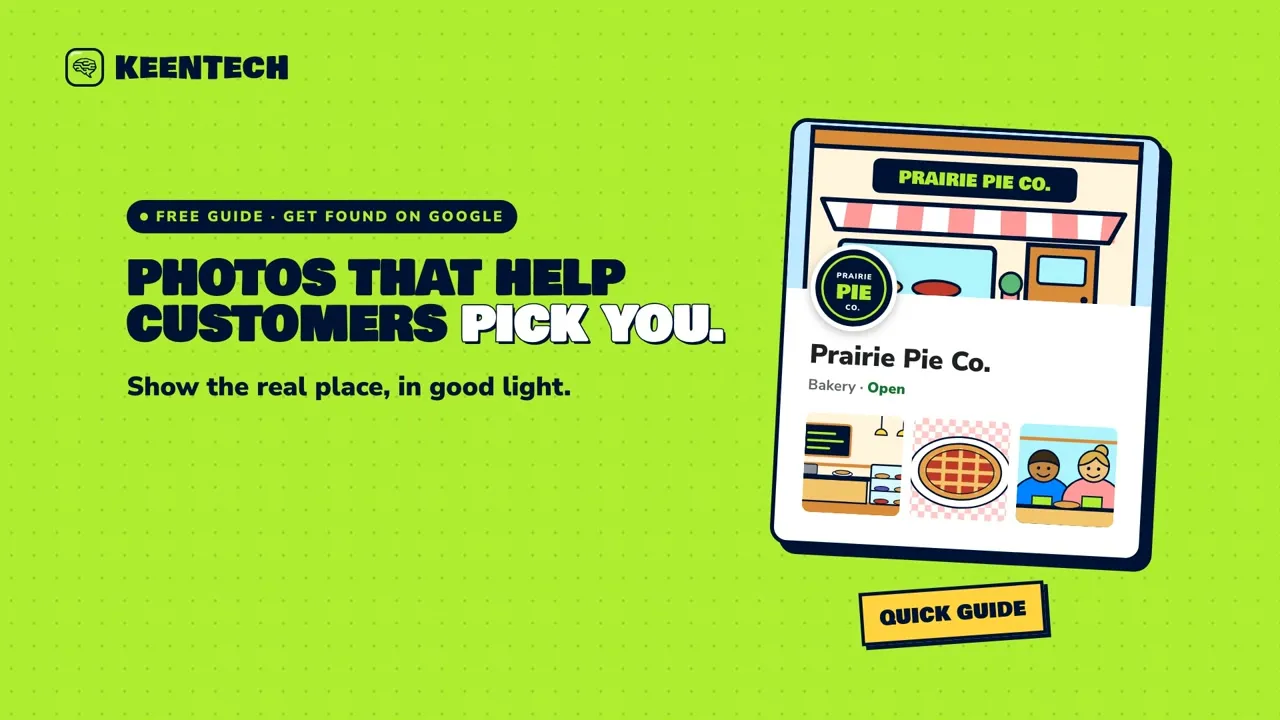 1:56Add Google Business Profile photos that help customers pick youWhich photos to add to your Google Business Profile (logo, cover, outside, inside, your work and your team), what makes a good one, and how to add them.
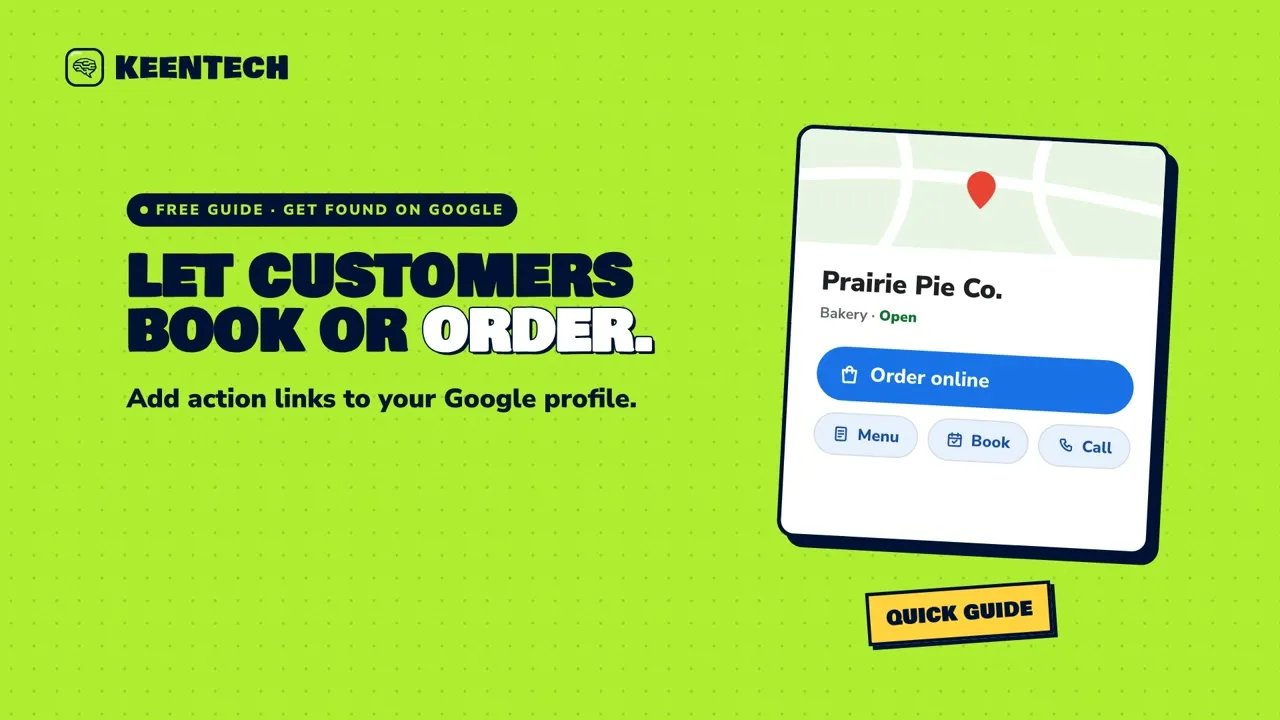 1:58Add a Book, Order or Menu link to your Google profileHow to add an order, booking or menu link to your Google Business Profile so customers can act straight from Google Search and Maps.
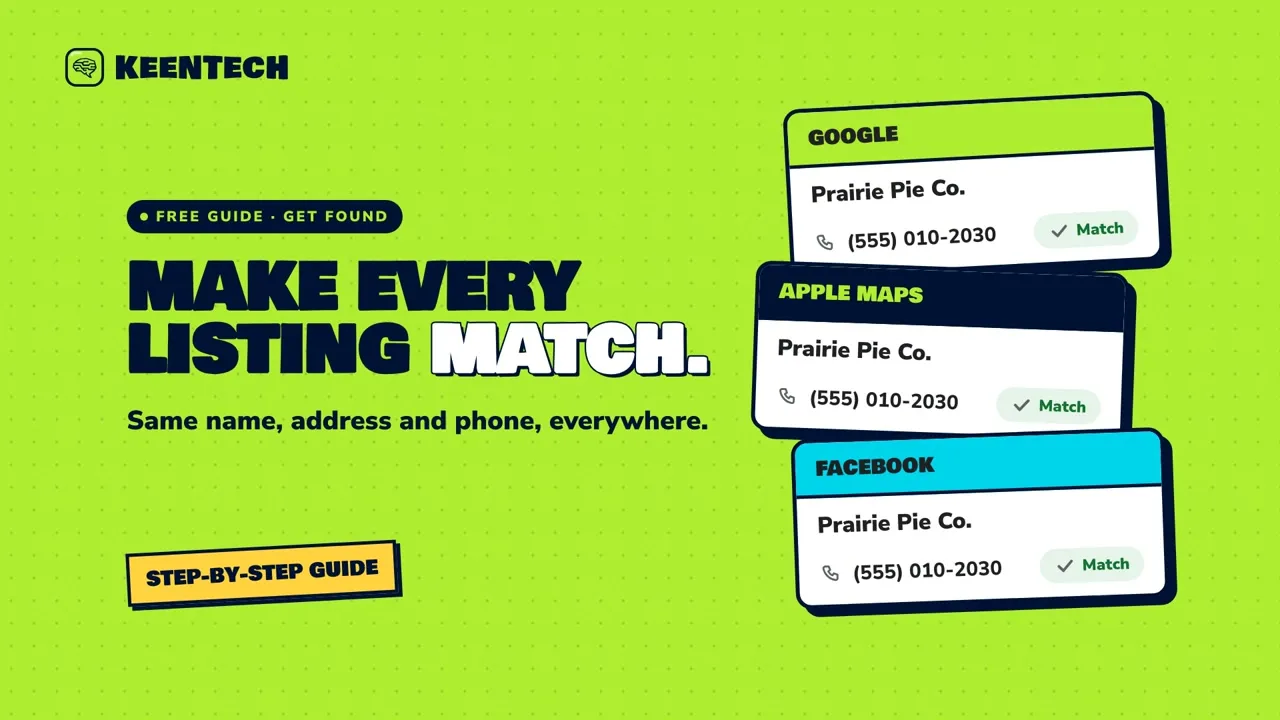 1:59Keep your name, address and phone the same everywhereCustomers find you on Google, Apple Maps, Bing, Facebook, Yelp, directories and your own website. Here’s how to check them all and make your name, address, phone and hours match everywhere.
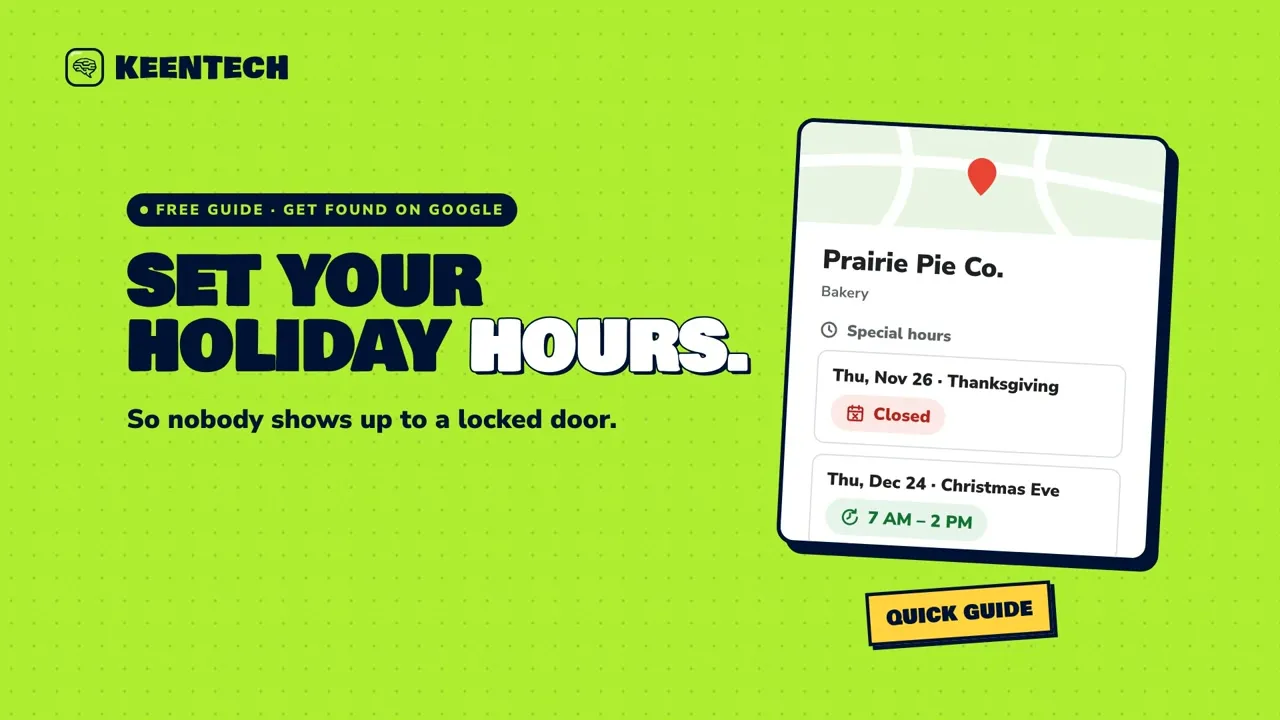 2:02Set holiday and special hours on GoogleSet holiday and special hours on your Google Business Profile so customers know when you’re closed or closing early, and nobody shows up to a locked door.
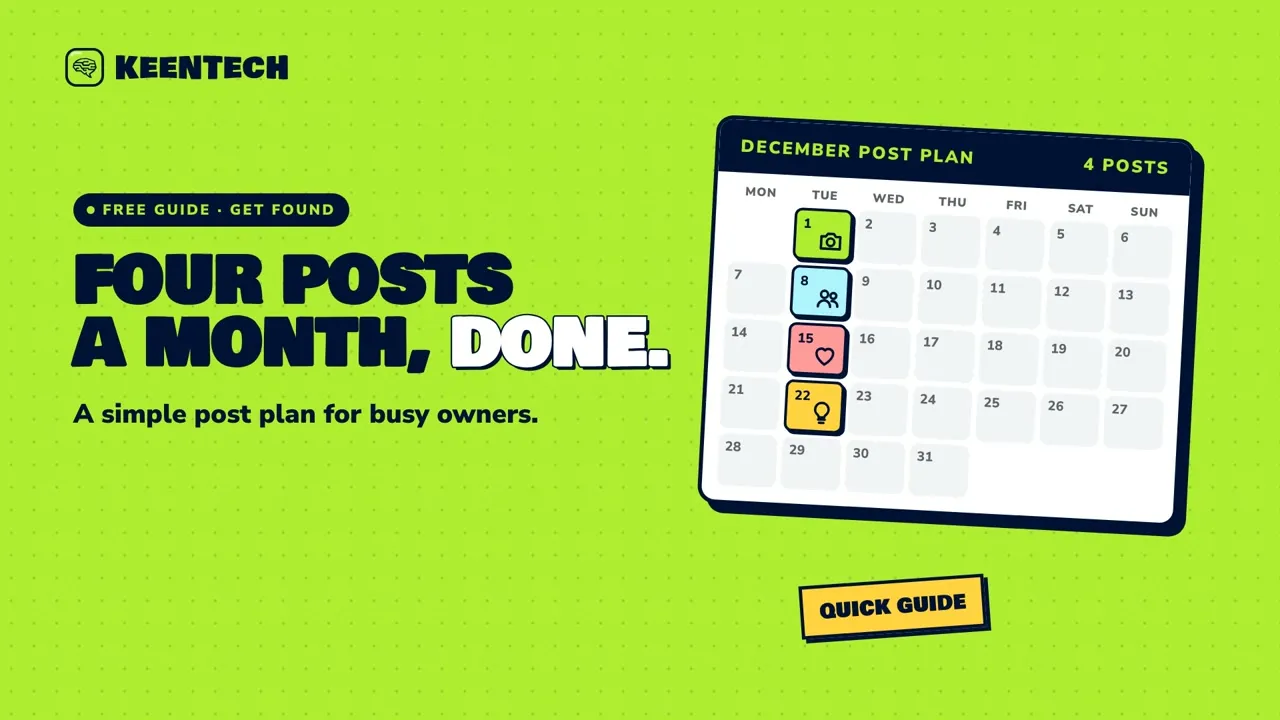 1:54A simple monthly post plan for busy ownersA simple monthly plan for busy owners: one post a week in four rotating types, written in one sitting and scheduled ahead on Facebook, Instagram and Google.
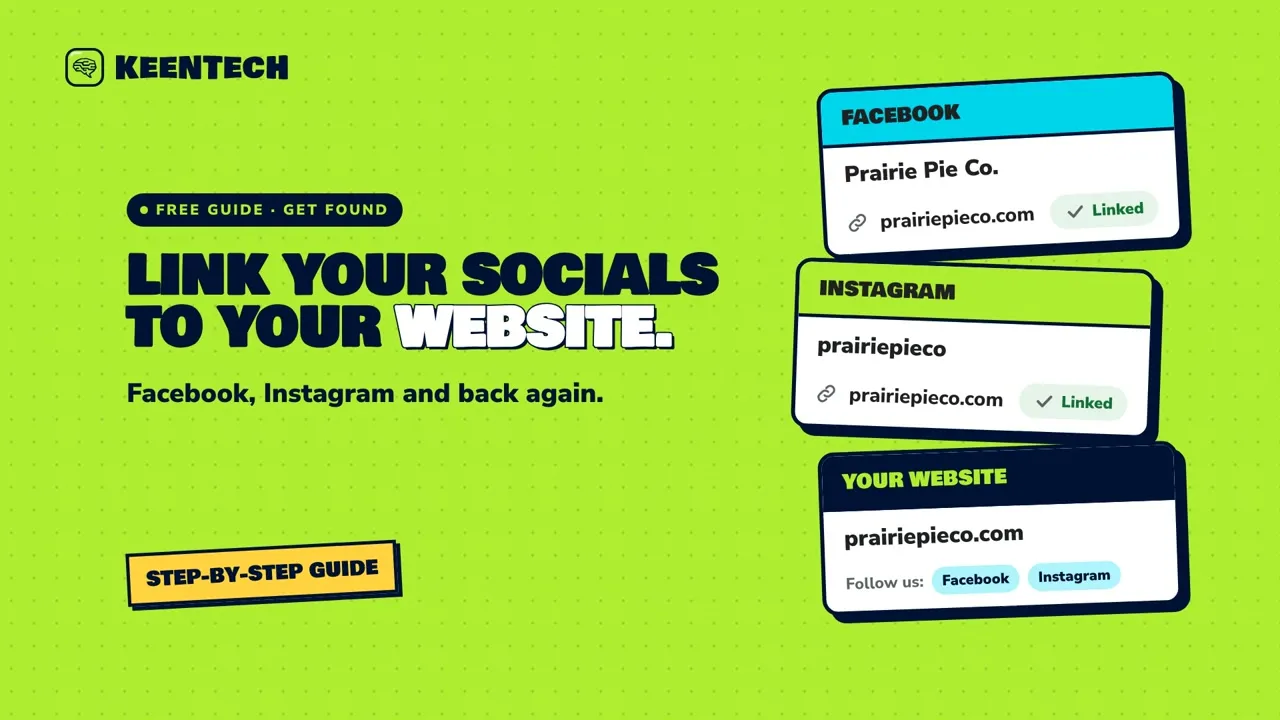 1:56Link your Facebook and Instagram back to your websiteMake sure your Facebook Page and Instagram profile link straight to your website, and that your website links back to them, so followers are always one tap from your menu, hours or order page.
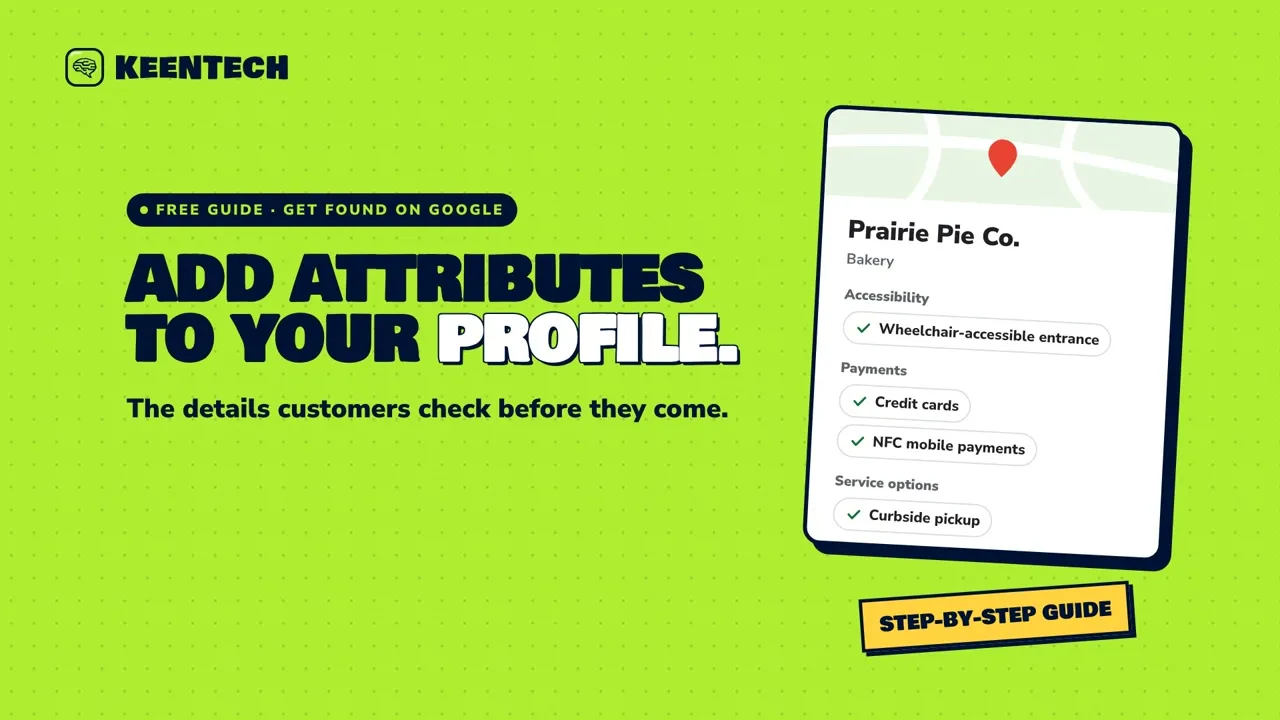 1:58Add attributes to your Google Business ProfileAttributes are the little facts on your Google Business Profile, like a wheelchair-accessible entrance, the payments you take or curbside pickup. Here’s where to add them and how to keep them true.
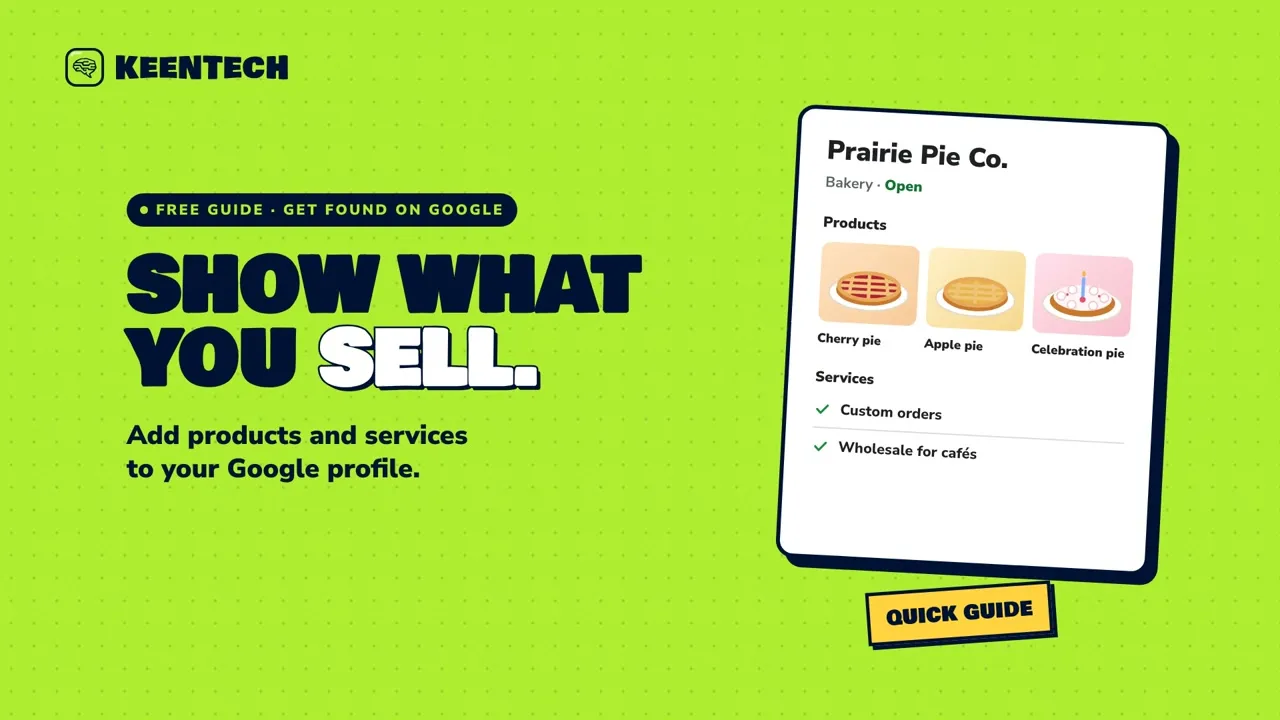 1:57Add your products and services to your Google profileShow customers what you offer by adding services and products to your Google Business Profile, with plain names, real photos and prices that stay current.
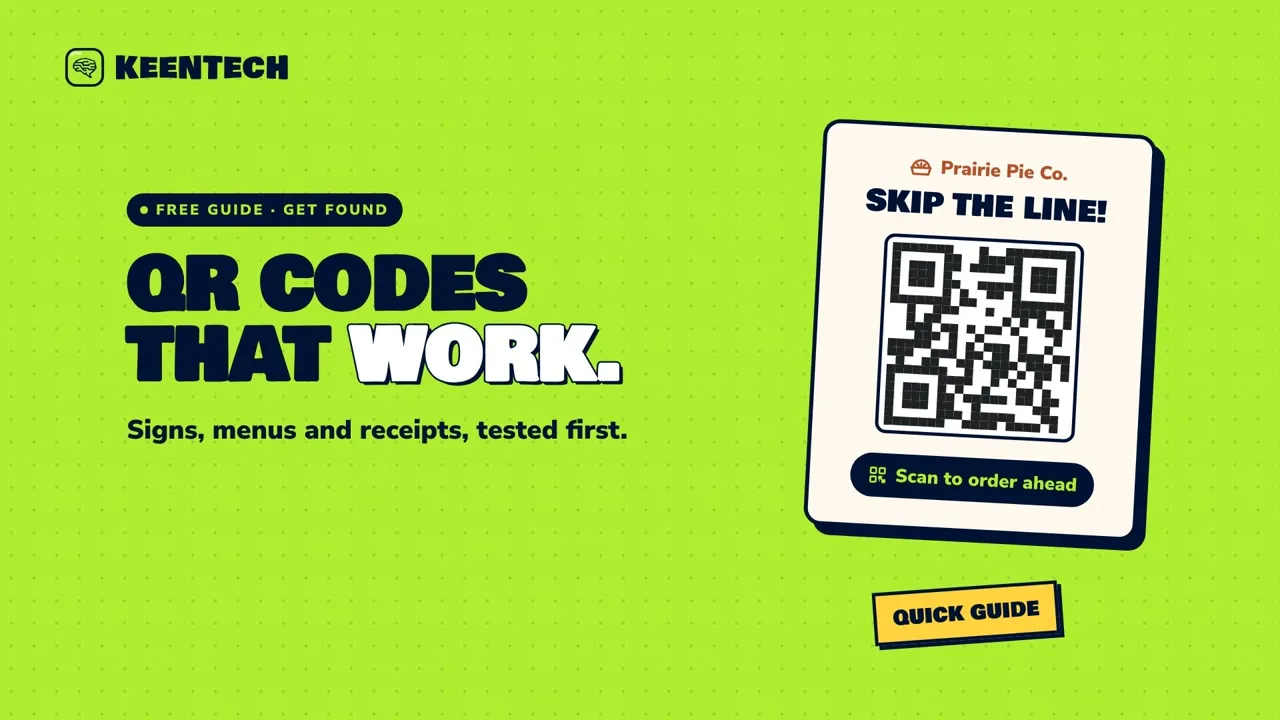 1:56QR codes that work on signs, menus and receiptsWhere QR codes on signs, menus, receipts and flyers actually help, and how to label, size and test them before you print, plus a quick check for fake stickers.
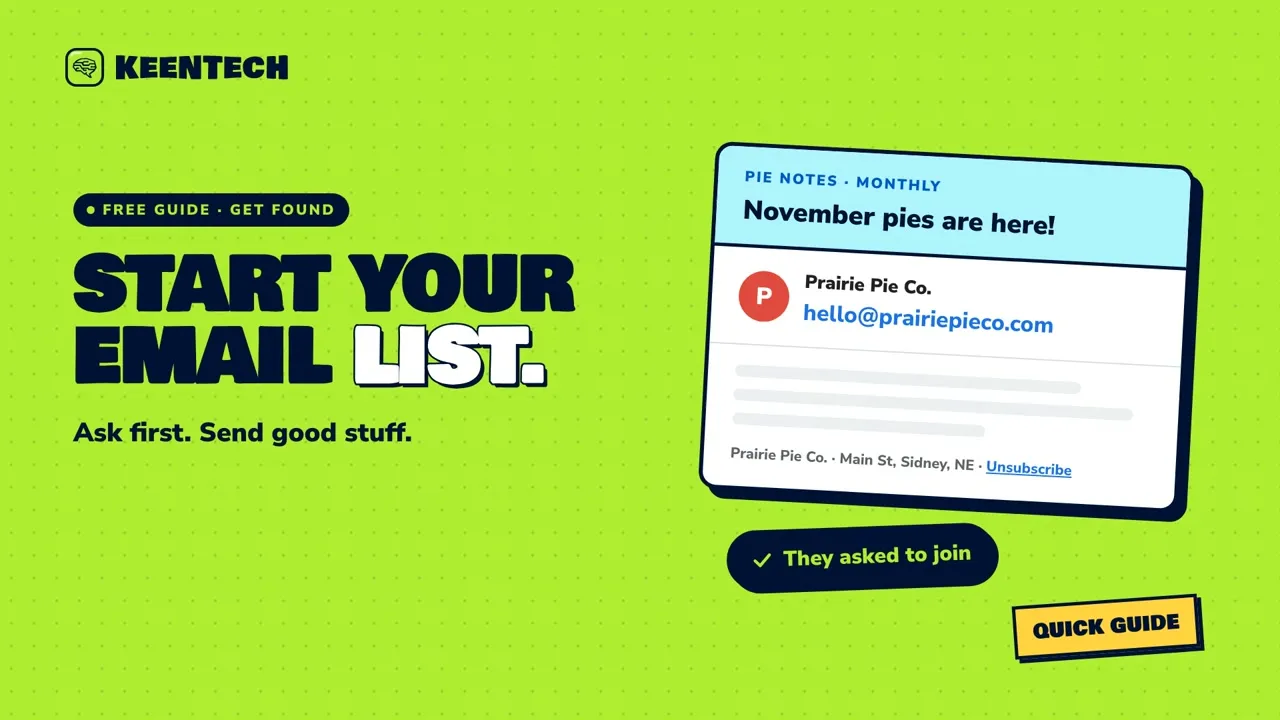 1:58Start a simple email list, the right wayStart an email list the right way: collect addresses with permission, send something useful, and follow the U.S. CAN-SPAM basics from the FTC.
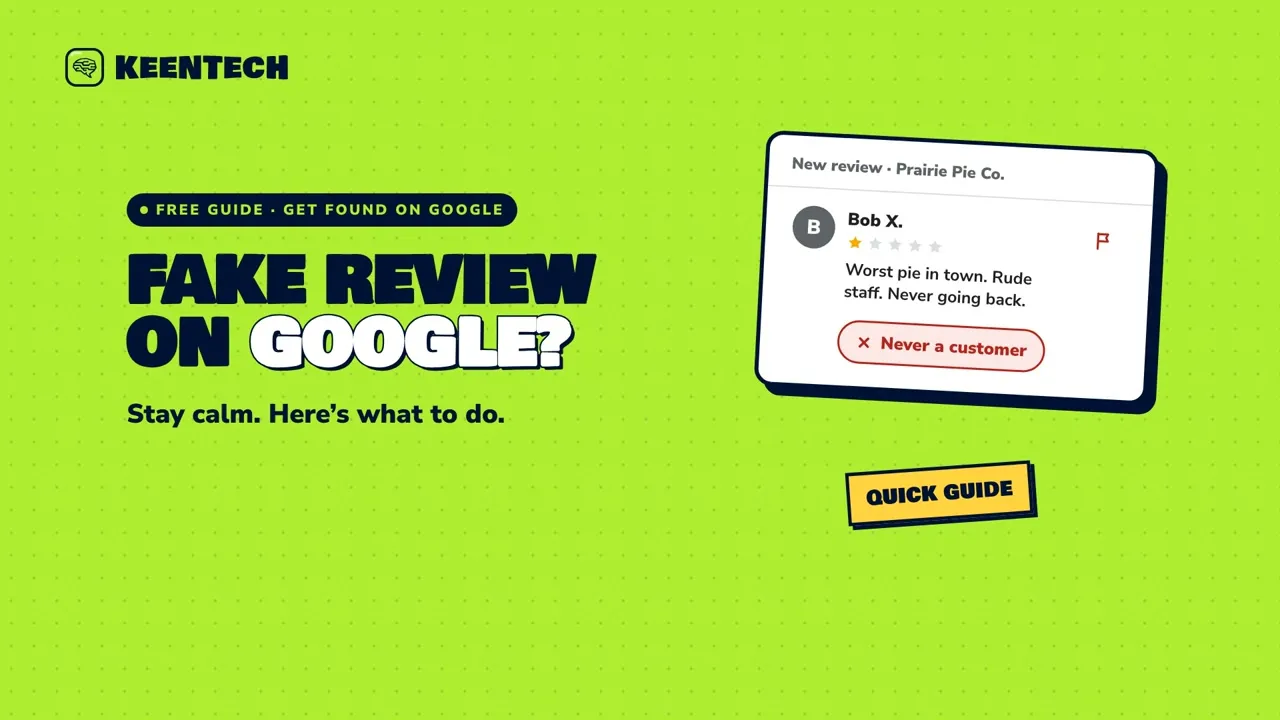 1:56What to do about a fake Google reviewWhat to do when a Google review looks fake: check whether it’s really a customer, report reviews that break Google’s policies, reply calmly, and avoid fake-review traps and extortion scams.
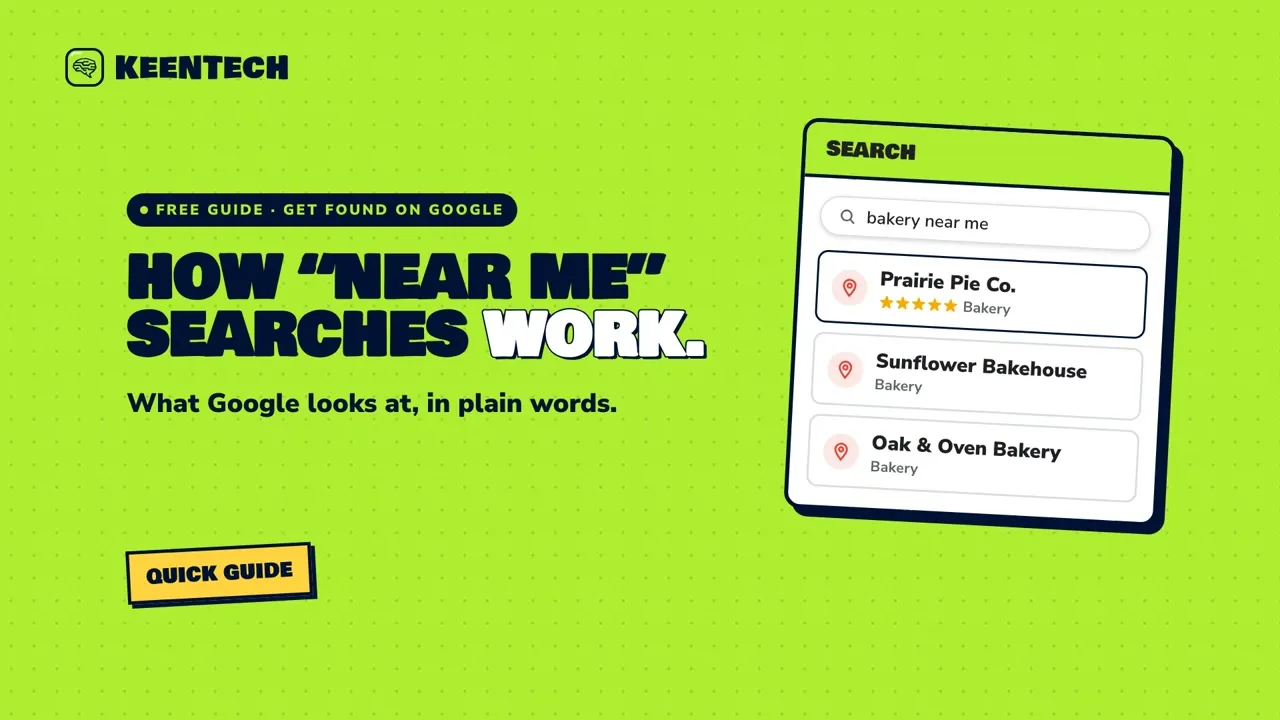 1:58How “near me” searches work, in plain wordsA plain-words look at how Google picks local results for searches like “bakery near me” (relevance, distance and prominence) and what you can actually do about each.
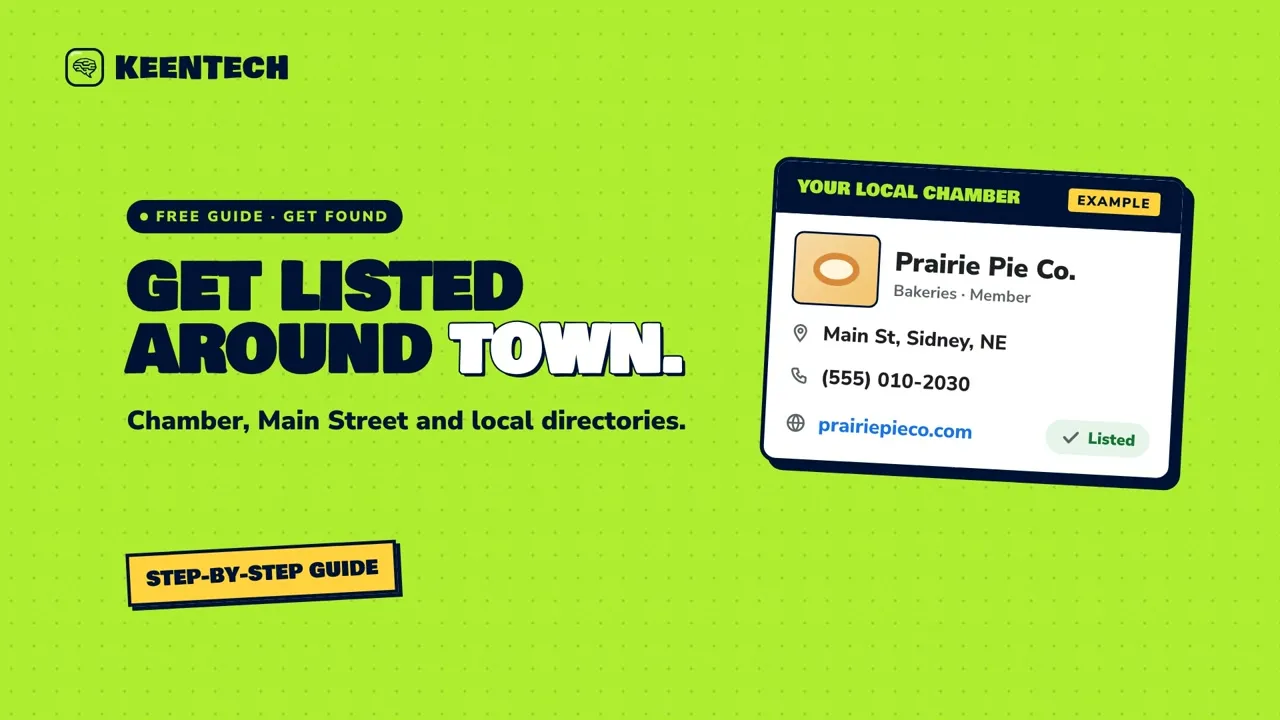 1:58Get listed in your local chamber and community directoriesGet your business into your chamber of commerce, Main Street, tourism and other local directories with the same details as your Google profile, and steer clear of pushy paid “directory listing” offers.
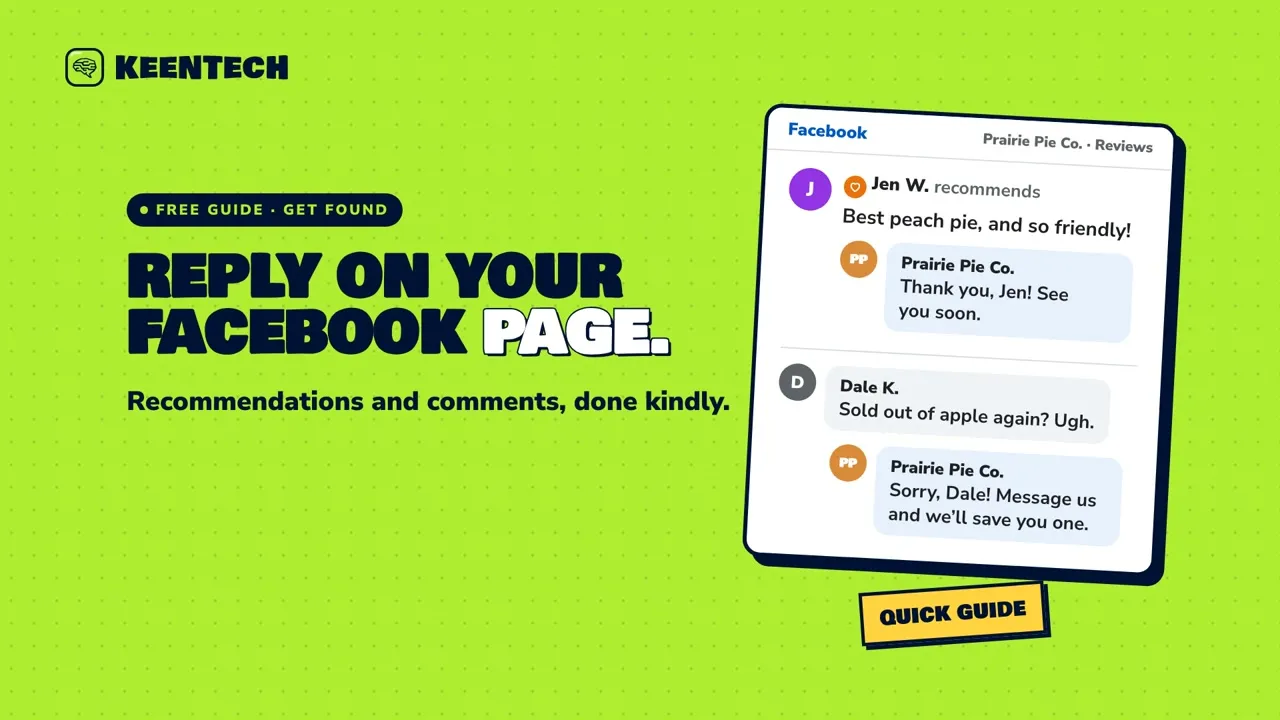 2:06Reply to Facebook recommendations and commentsHow to turn on Facebook recommendations for your business Page, reply kindly to recommendations and comments, and hide, delete or report the ones that cross the line.
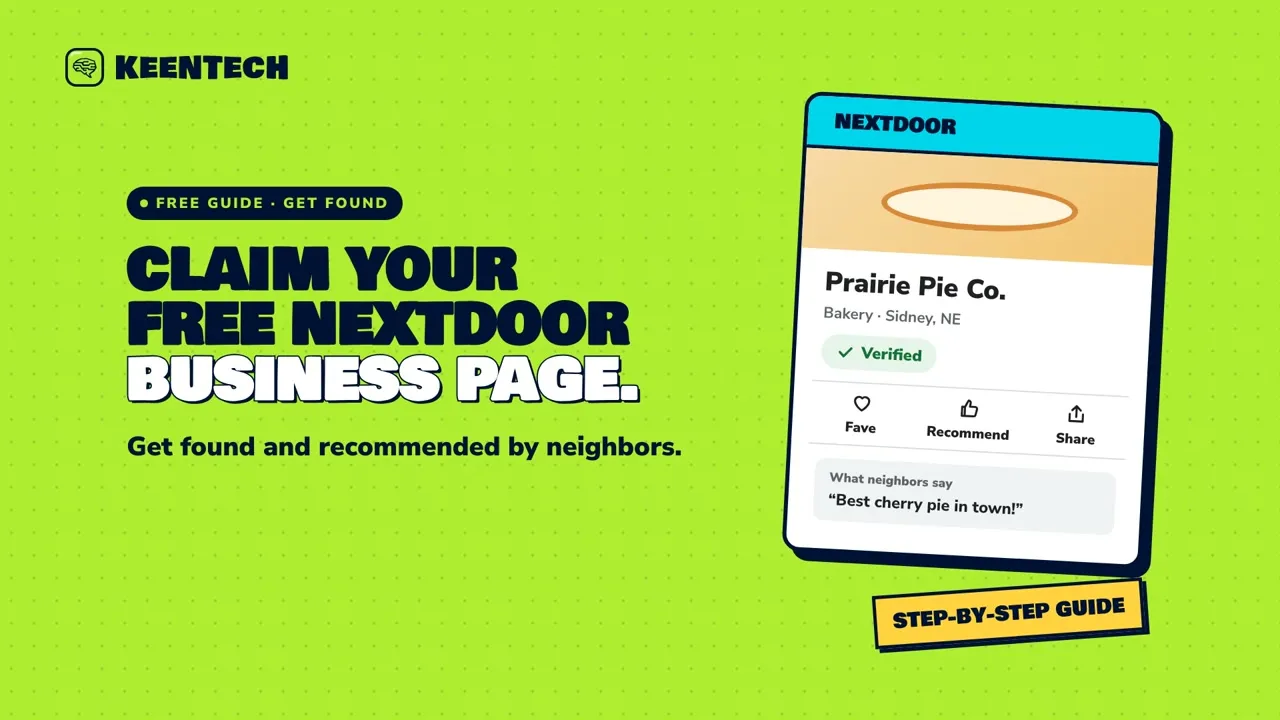 1:58Claim your free Nextdoor Business PageClaim or create your free Nextdoor Business Page, verify it, fill in your details, and turn neighbor recommendations into customers.
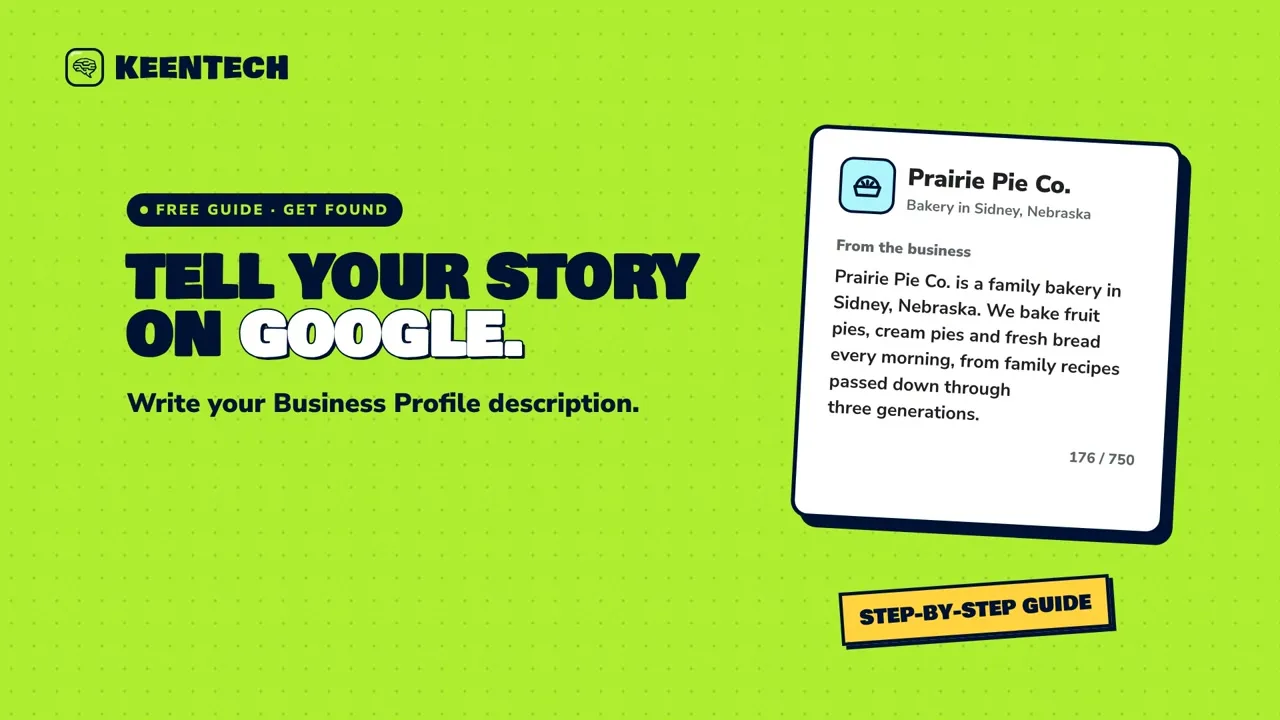 1:53Write your Google Business Profile descriptionWrite a Google Business Profile description that tells customers what you offer, what makes you special and your story, and skip the links, sales and clutter Google doesn’t allow.
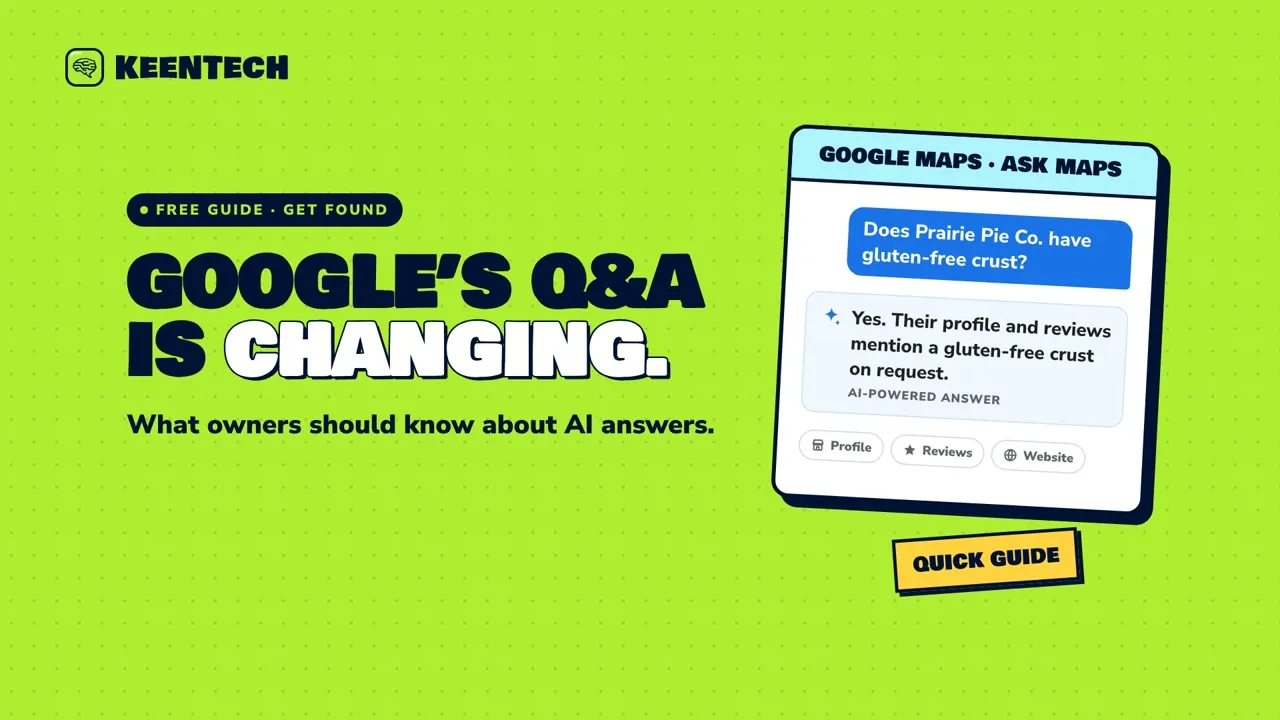 1:52Google’s Q&A is changing: what owners should know about AI answersGoogle is changing Q&A on Business Profiles, and Ask Maps now gives customers instant AI answers. Here’s how to keep your profile, reviews and website giving it the right information.
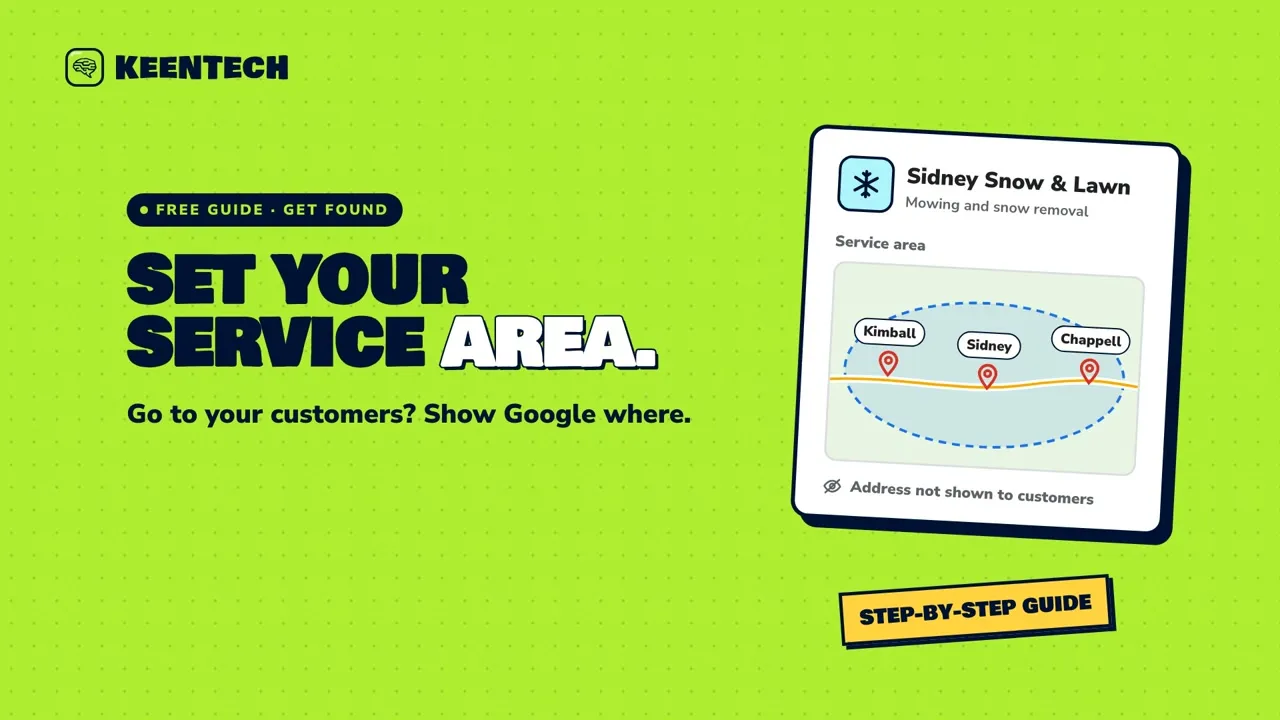 1:59Set your service area on GoogleIf you go to your customers instead of them coming to you, here’s how to set your service area on your Google Business Profile, stay within Google’s limits, and hide your home address.
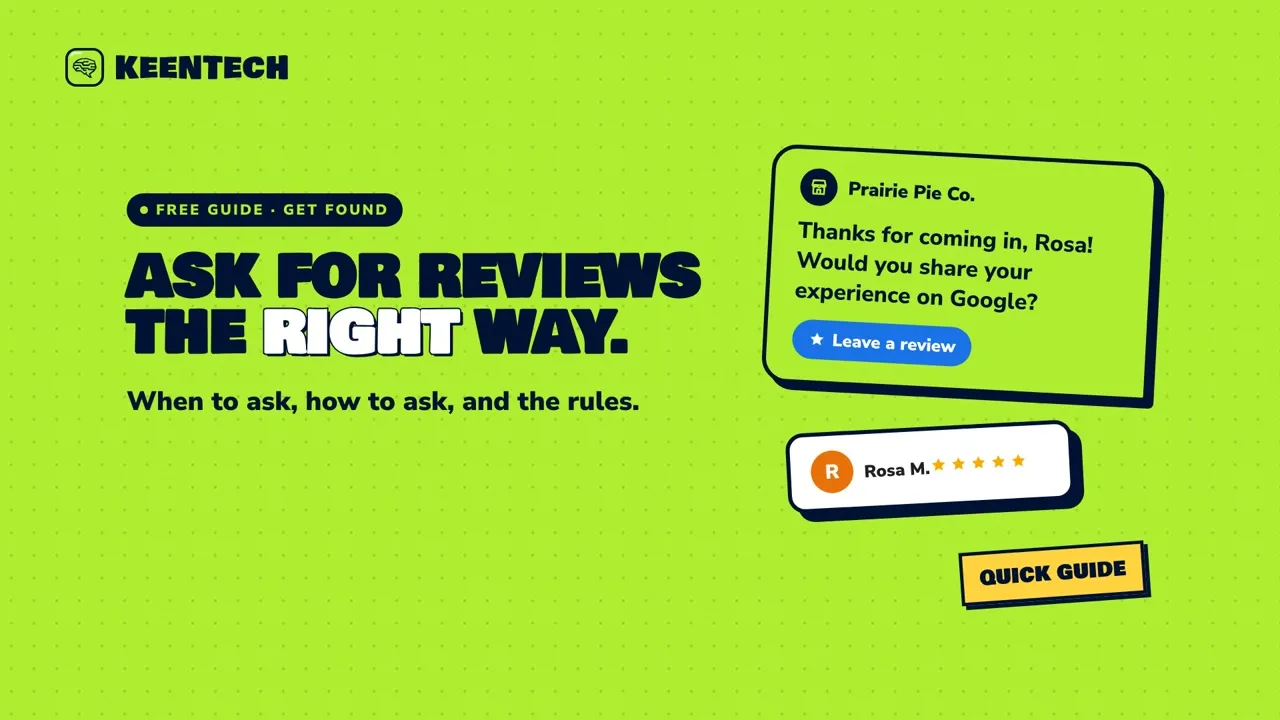 1:58Ask for Google reviews the right wayWhen and how to ask customers for Google reviews: ask right after a good visit, share your review link, ask everyone the same way, and follow Google’s rules and the FTC’s rule on incentives and fake reviews.
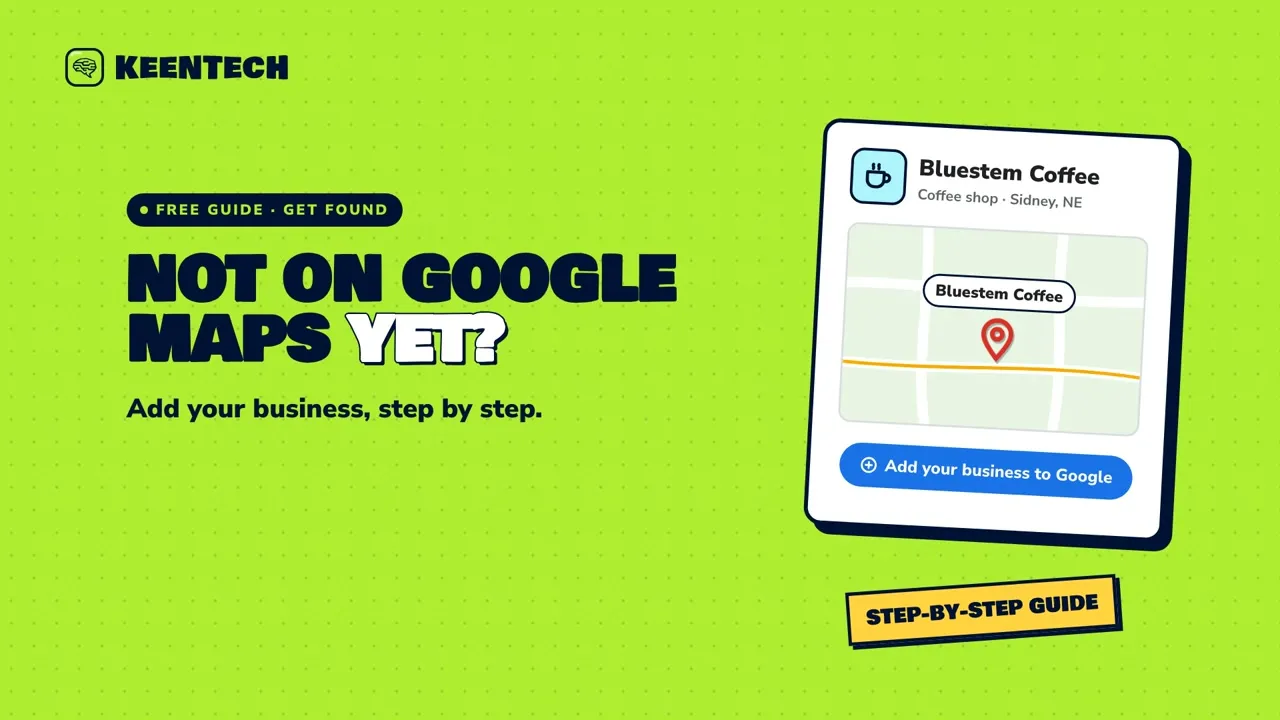 1:50Not on Google Maps yet? Add your businessNot on Google Maps yet? Check that your business qualifies, search first, then add it at business.google.com/add and verify it, so customers can find you on the map.
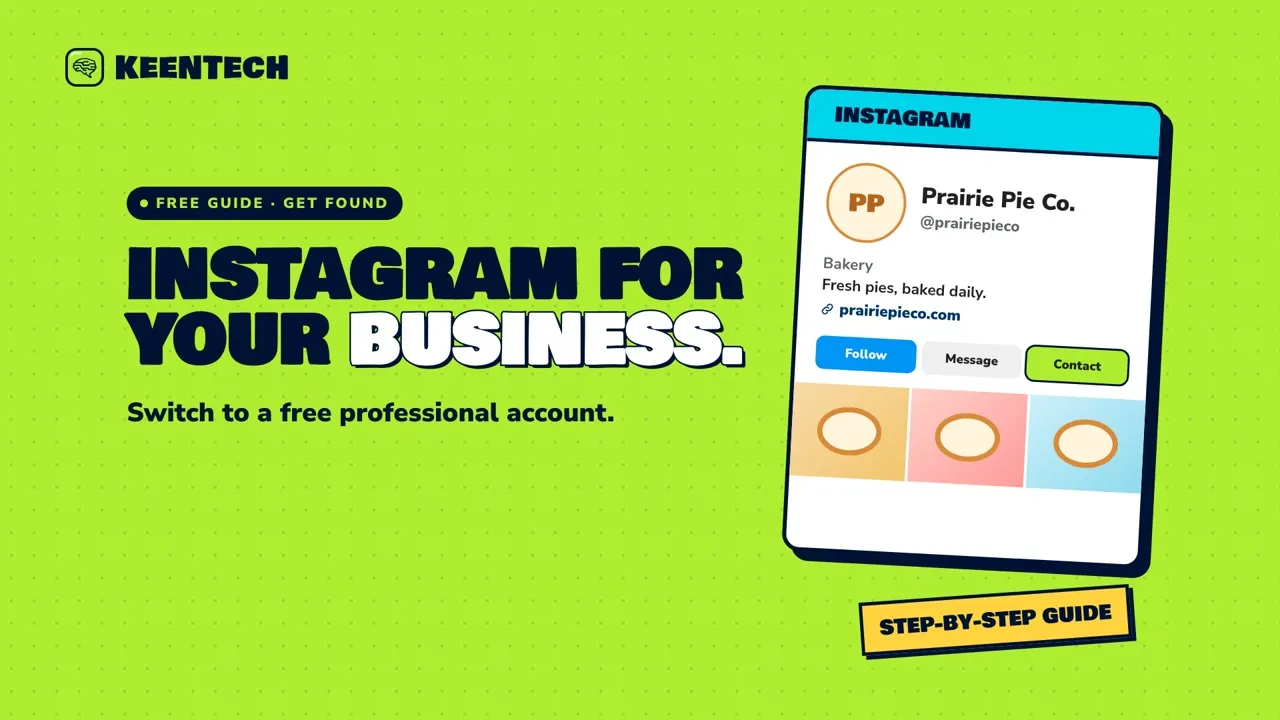 1:59Instagram for local businesses: switch to a professional accountSwitch your Instagram account to a free professional Business account, then add your category, contact options and website so local customers can find you and reach you.
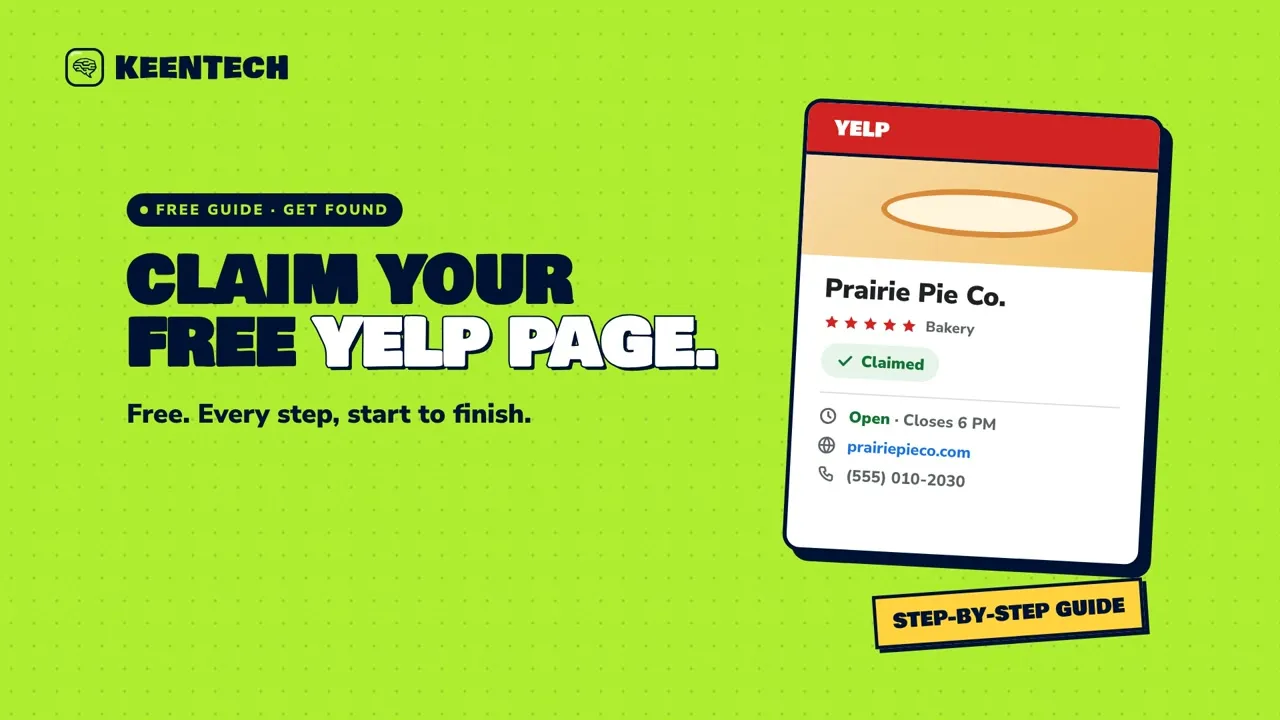 1:51Yelp for small businesses: claim your free pageClaim your free Yelp page in a few steps, keep its hours, photos and details current, reply to reviews the right way, and learn why Yelp, unlike Google, asks businesses not to request reviews.
 1:59Post updates, offers and events on your Google Business ProfileShare updates, offers and events right on your Google Business Profile: what each post type needs, and the rules that keep your posts from being rejected.
 1:59When a bad review is fair: how to own the mistakeWhen a bad review is fair, a short, honest reply (thanks, a plain sorry, the fix, a way to reach you and your name) plus a real fix can win back trust. Just never trade a perk for changing the review.
Your website
Small fixes that make your site easier to trust and easier to use.
 1:58Why https and the padlock matterWhat the “https” and padlock in your browser mean, why browsers flag sites without them as “Not secure,” and how to check your own site in seconds.
 1:42Make your phone number tap-to-callA 10-second phone test and a tiny website fix that let customers call you with one tap instead of copying your number down.
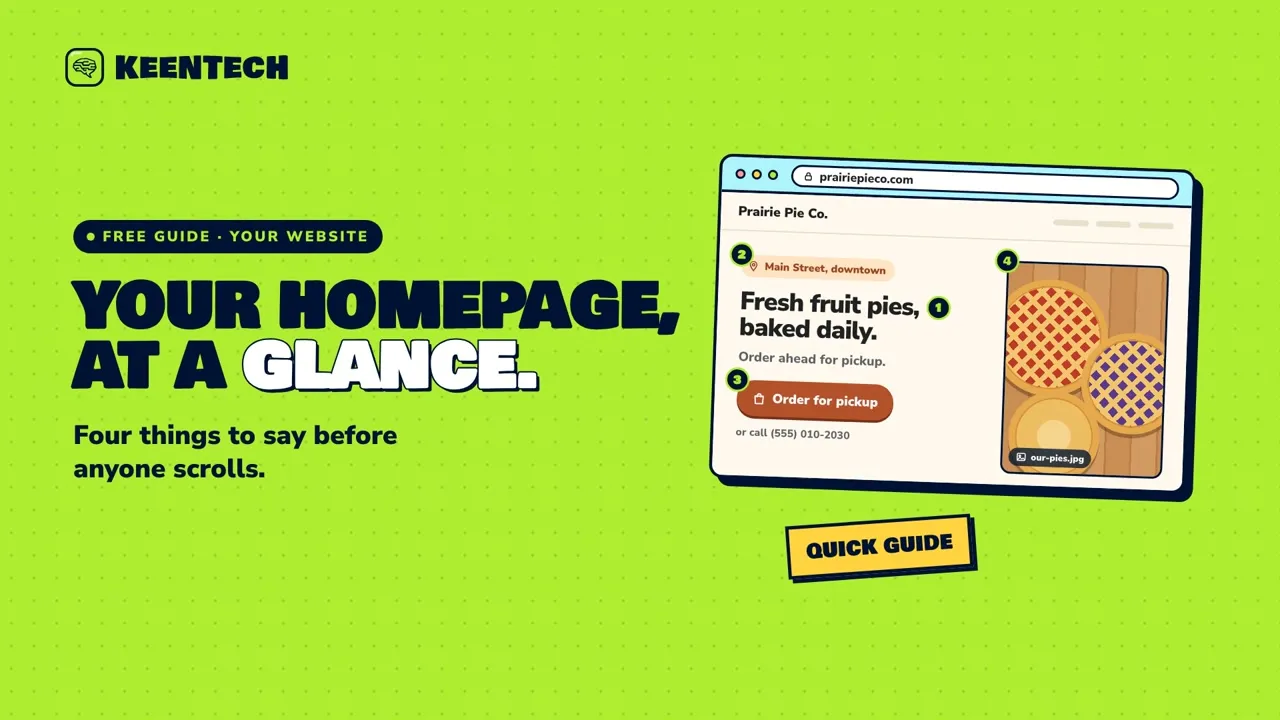 1:48What your homepage needs to say right awayThe top of your homepage should tell people what you do, where you are, and how to reach you, with a real photo, before anyone scrolls.
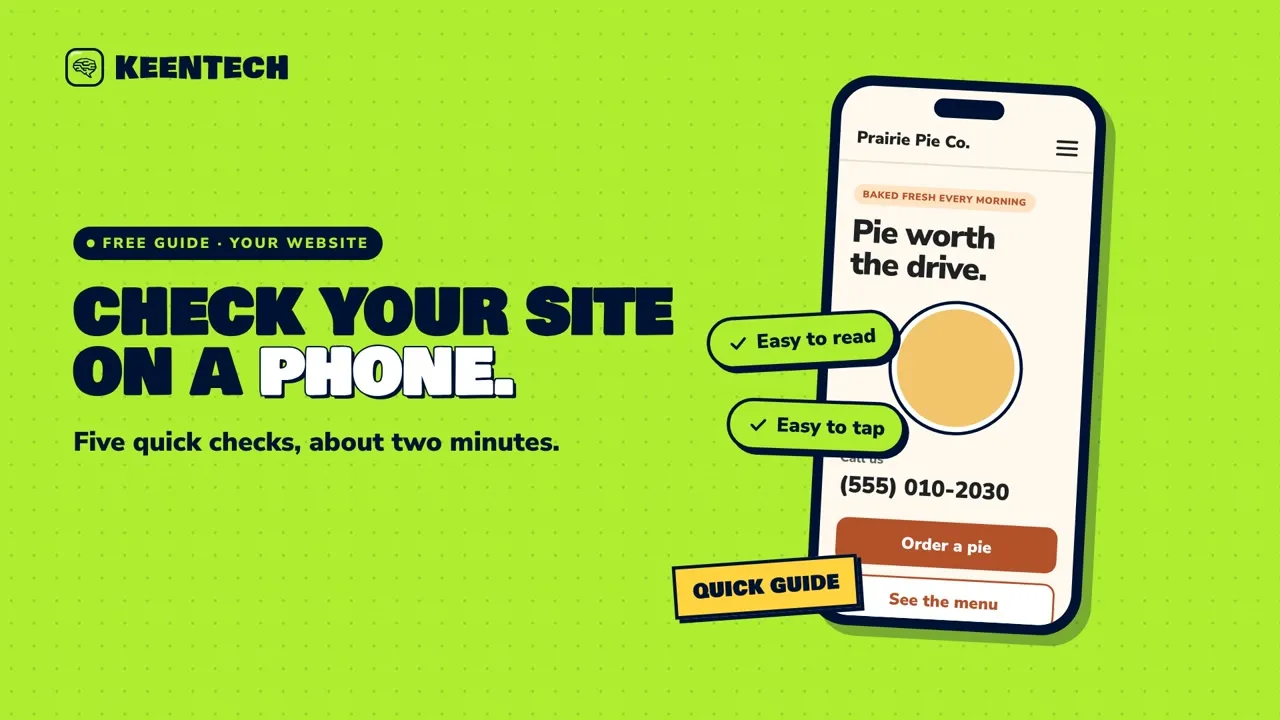 1:49Check how your website looks on a phoneA two-minute, five-check test you can run on your own phone to see whether your website is easy to read, tap and contact on mobile.
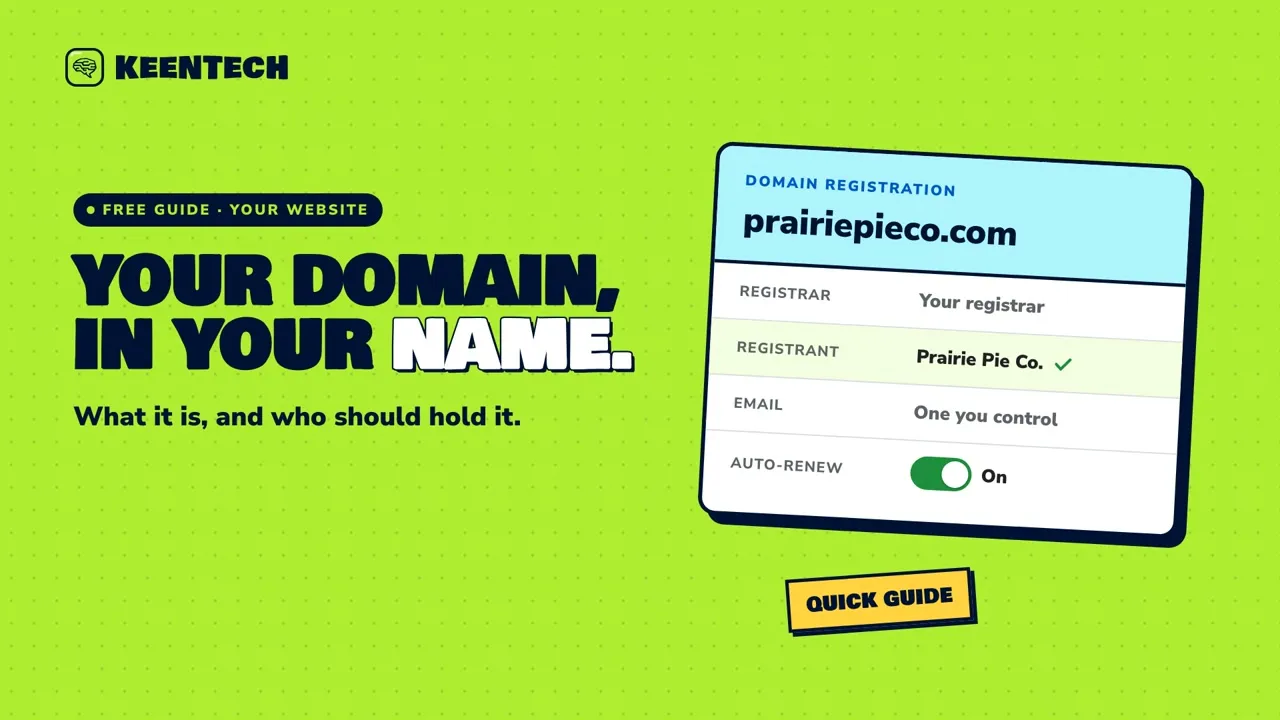 2:00What a domain name is, and why it should be in your nameYour domain is your business’s address online. Learn what it is and how to make sure it’s registered in your name, not someone else’s.
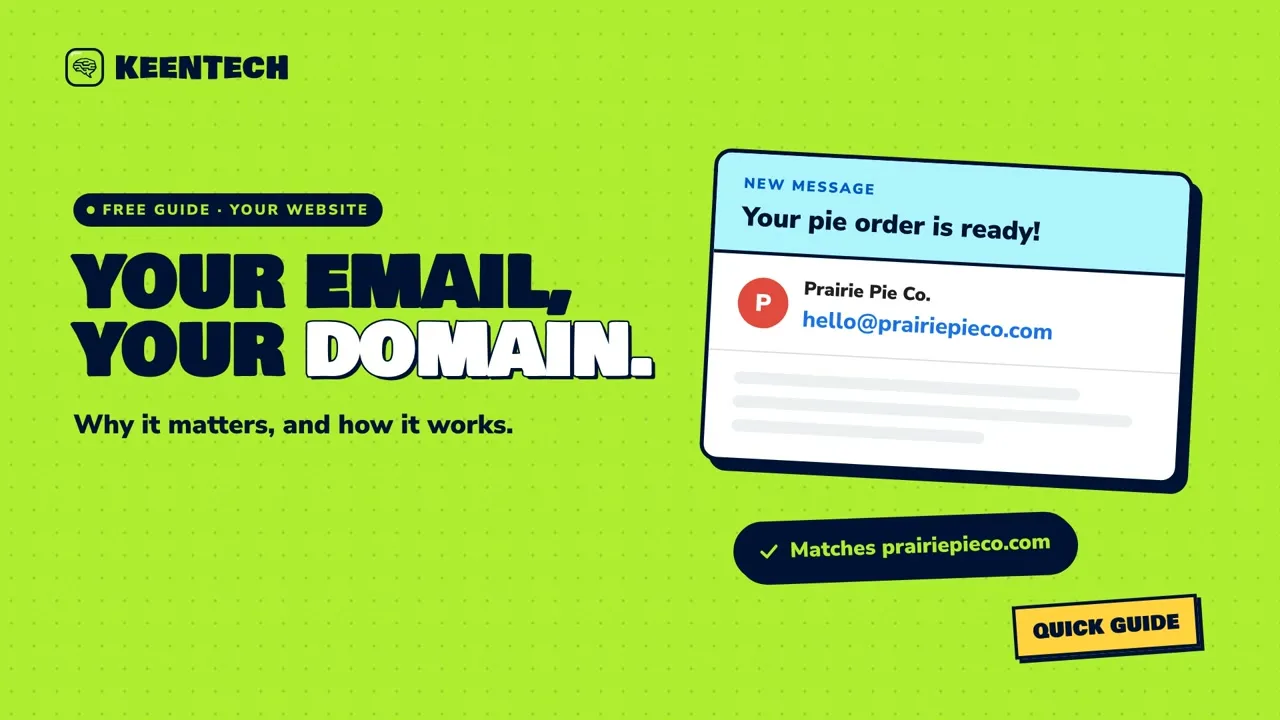 1:52Why your business email should use your own domainWhy an email address on your own domain (like hello@prairiepieco.com) looks established, matches your website and stays with your business, plus three simple tips.
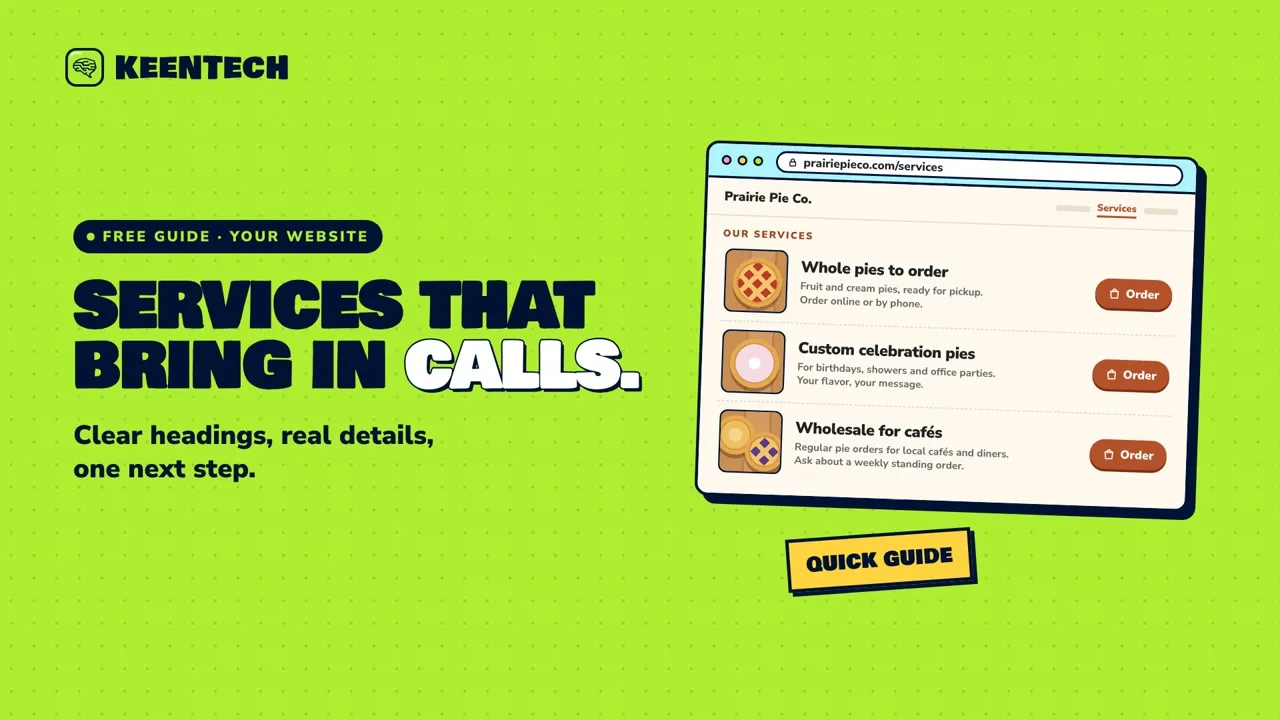 1:53Write a services page that brings in callsHow to write a services page that helps visitors call, order or book: use your customers’ words, give each service a clear heading and the key details, and end each one with a single next step.
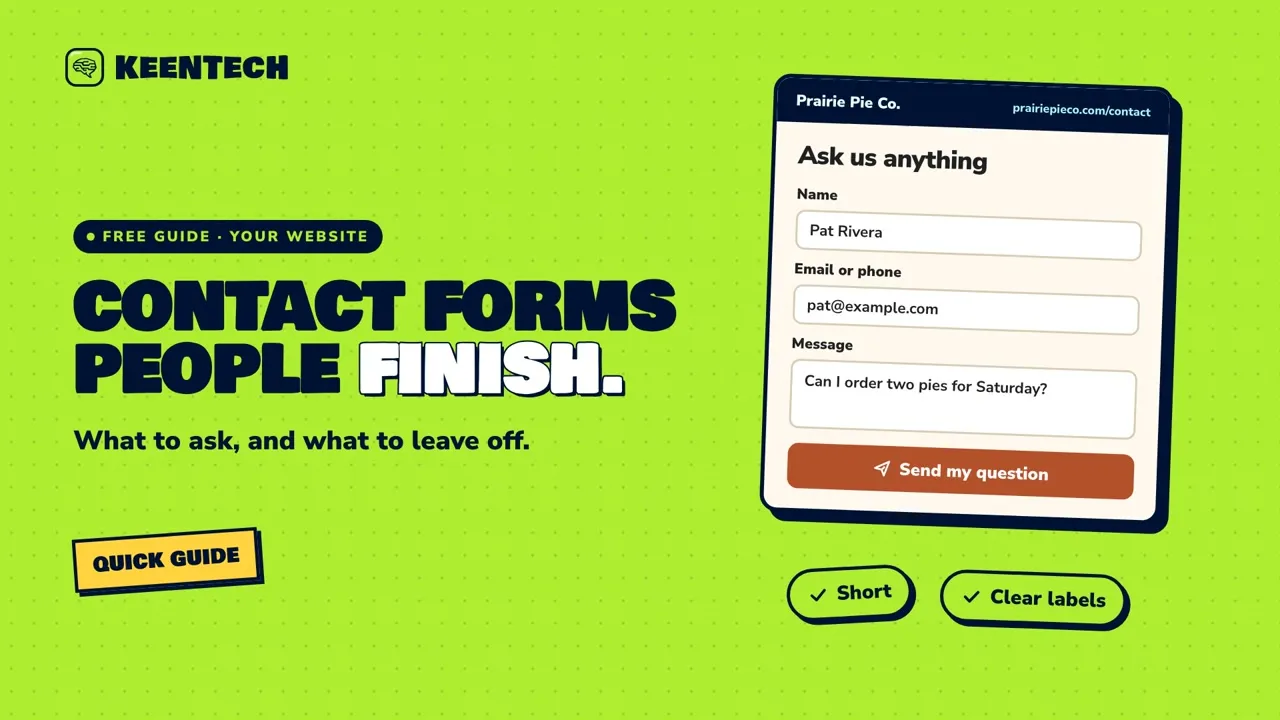 1:48What to put on a contact form, and what to leave offA short, friendly guide to what belongs on your website’s contact form, and what to leave off, so more people finish it and you actually get their messages.
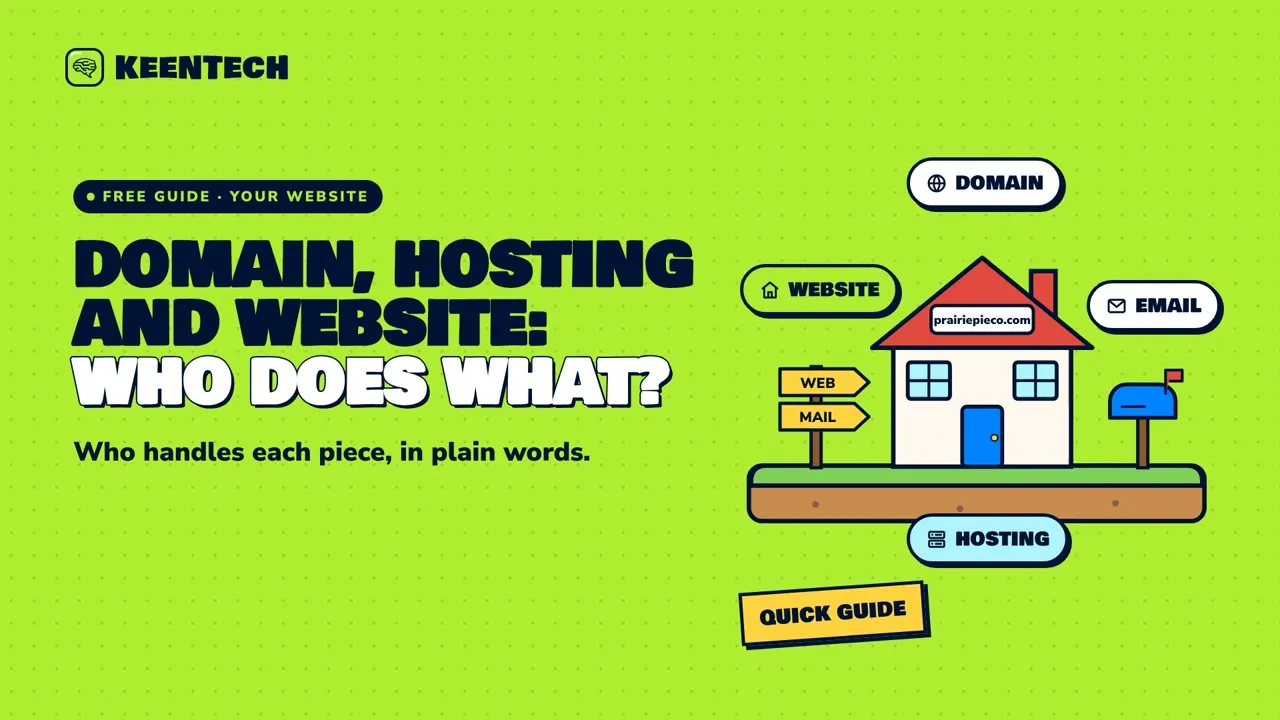 1:59Domain, hosting and website: who does whatA plain-English look at the five pieces behind a business website (domain, DNS, hosting, the website itself and email), who usually handles each one, and why it’s worth writing down.
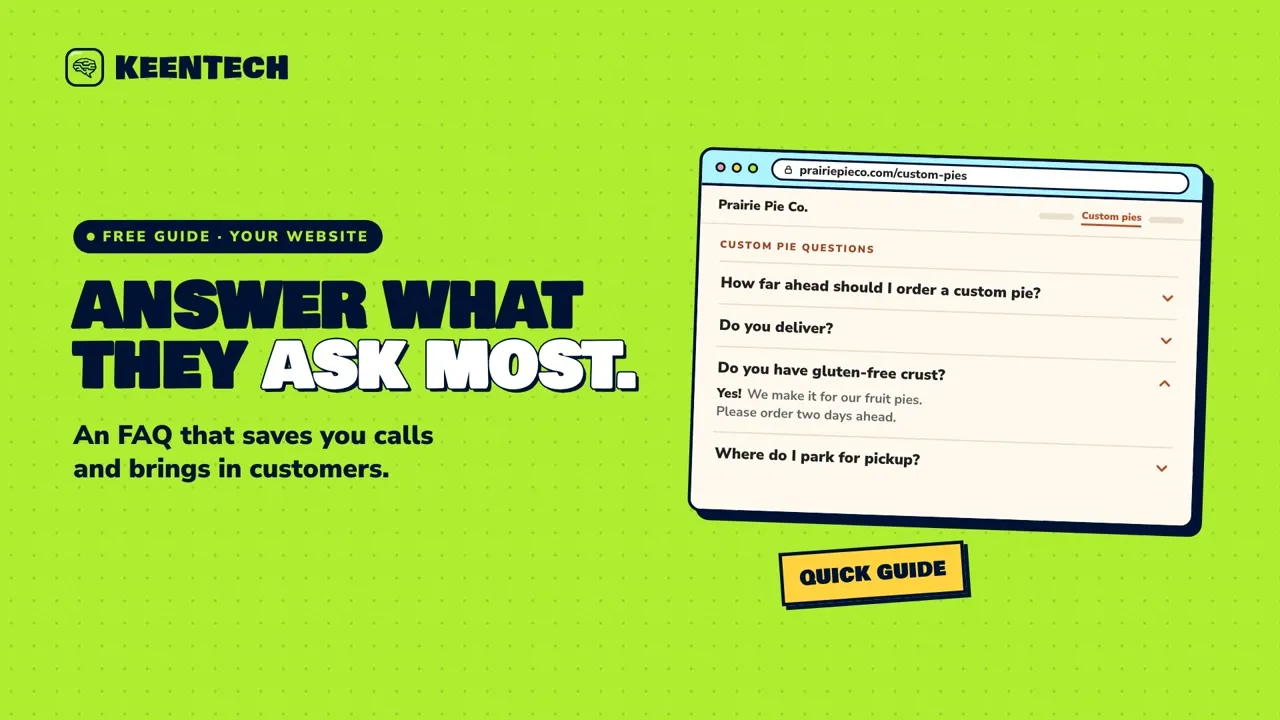 1:51Answer the questions customers ask mostTurn the questions customers ask you every week into short, direct answers on your website, written in their words and linked to the next step, so people can decide without calling.
 1:54Phone photos that make your website look professionalSimple phone-camera habits for photos that make your website look professional, plus three quick steps for putting them on your site.
 1:53Write an About page that sounds like youPeople want to know who they’re buying from. Here’s how to write an About page with real names, a real photo and a short true story, ending with a clear next step.
 1:59Is your website slow? A simple checkA simple way to check whether your website is slow, using your phone and Google’s free PageSpeed Insights, plus what to ask your web person if it is.
 1:59Blog posts that help customers: three easy ideasNot sure what to blog about? Here are three easy kinds of posts that help your customers, plus simple tips to make each one count.
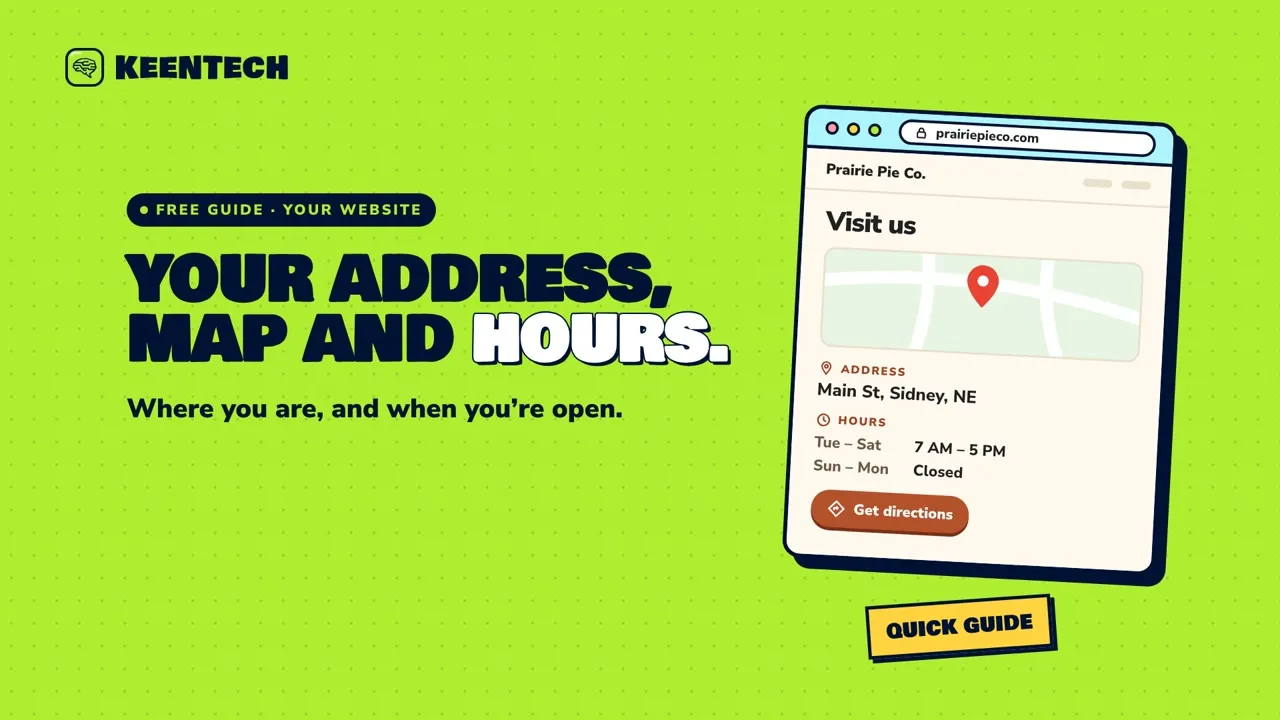 1:58Put your address, map and hours on your websitePut your full address, a directions link and a clear hours list on your website, so customers know where you are and when you’re open, and keep it matching your Google profile.
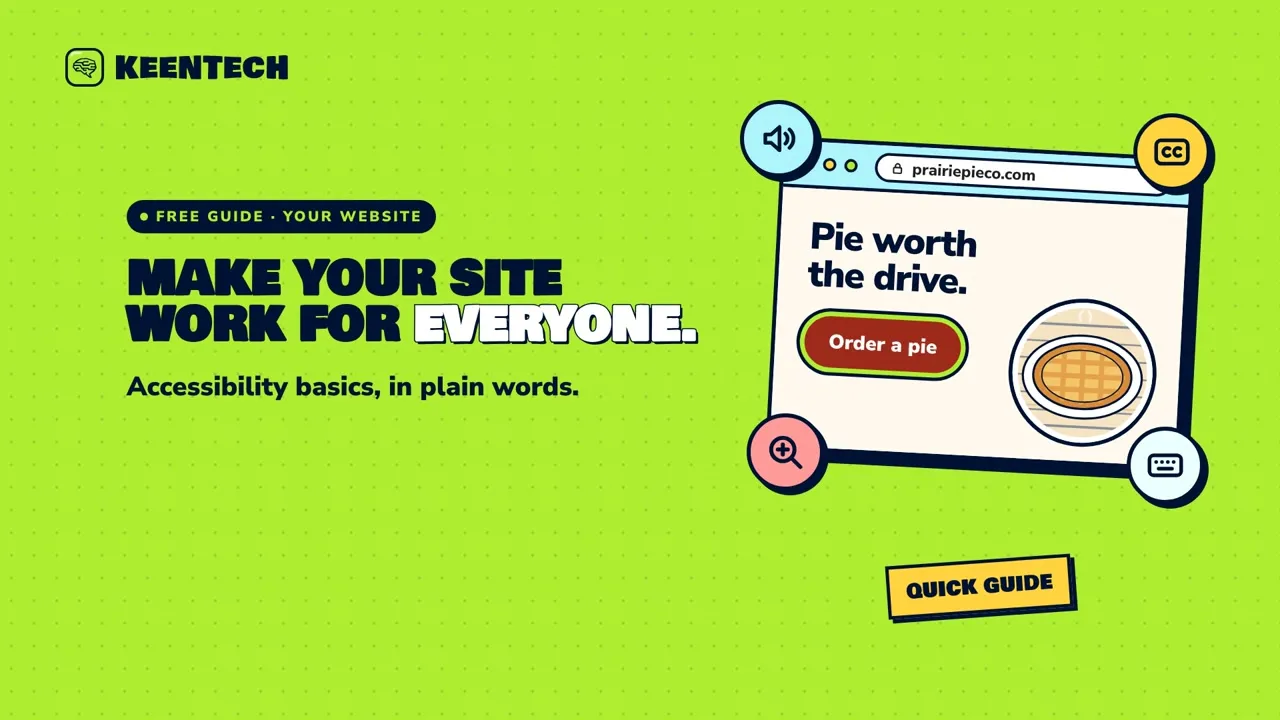 1:59Accessibility basics: make your website work for everyoneA plain-words guide to accessibility basics, with eight easy self-checks to make your website work for customers who use screen readers, zoom, captions or just a keyboard.
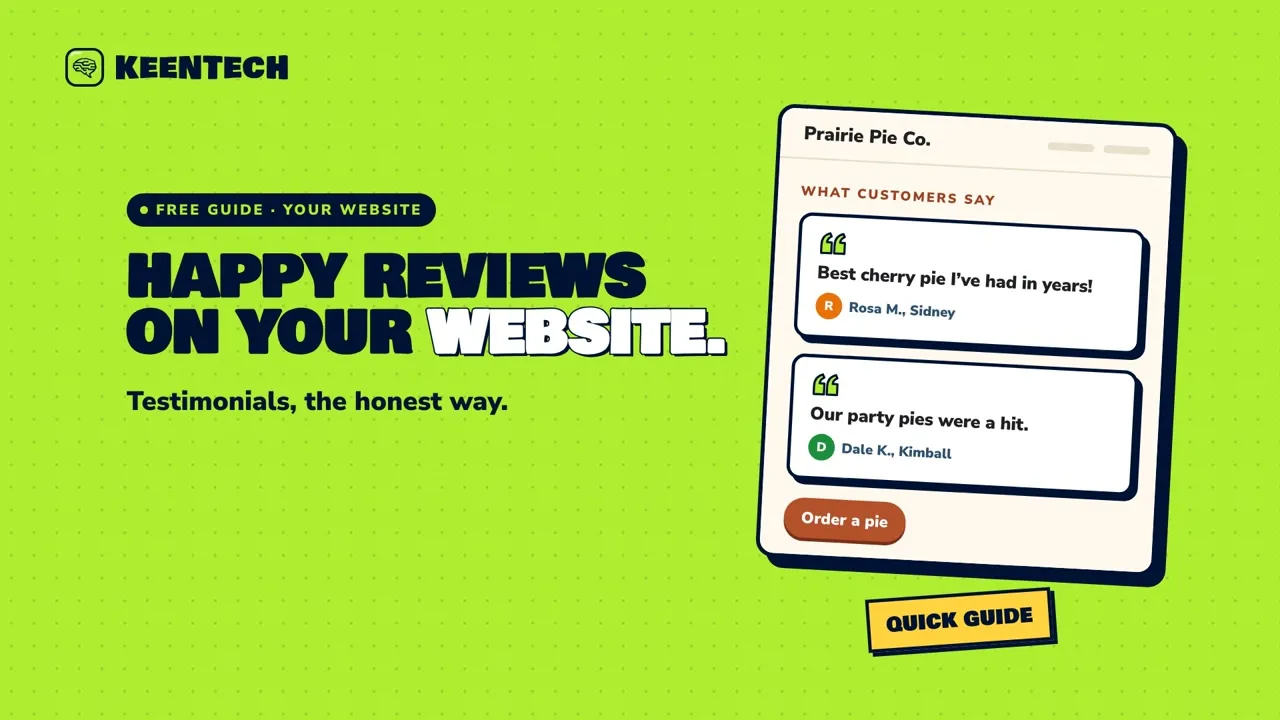 1:58Turn happy reviews into honest testimonialsHow to turn happy customer reviews into honest testimonials on your website: ask first, use their real words, follow the FTC basics, and put them where people decide.
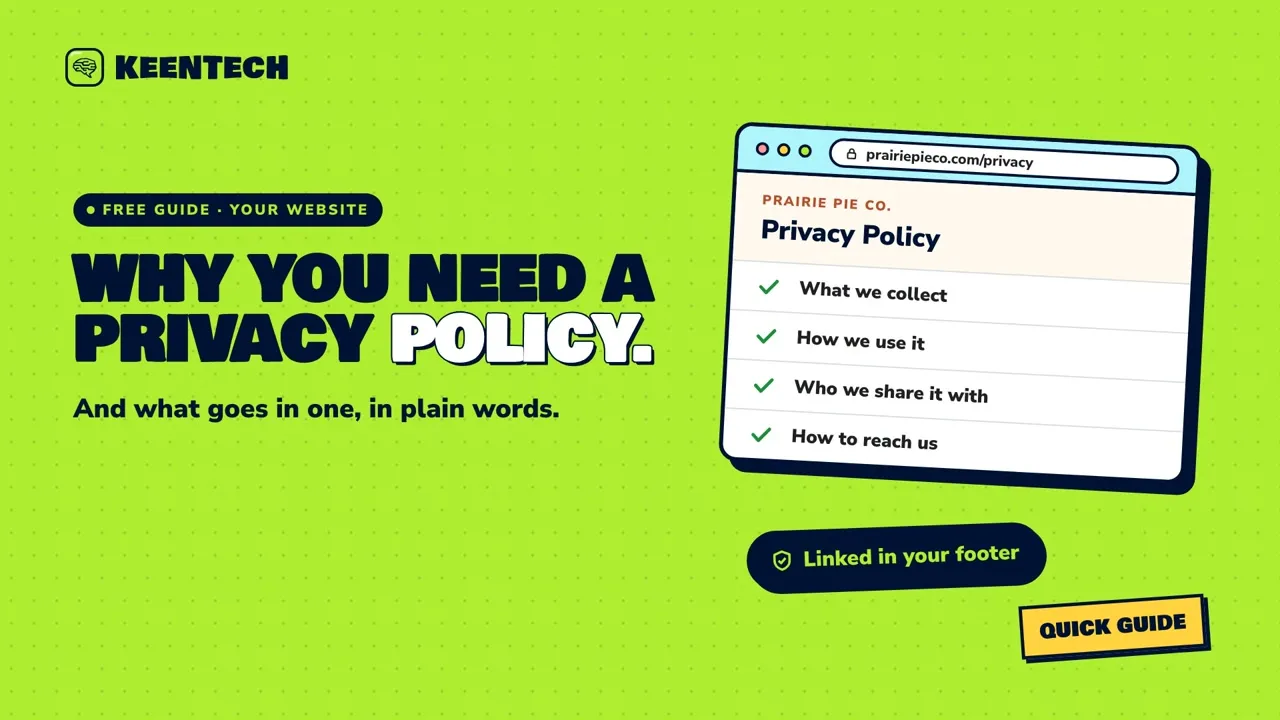 2:02Why your website needs a privacy policy, and what goes in oneIf your website has a contact form, email sign-up, online orders or analytics, here’s why you need a privacy policy, what a clear one covers, and how to keep it honest and up to date.
 1:57Use photos on your website and social media, the legal wayWhy a photo you find online isn’t automatically free to use, and simple, legal ways to get pictures for your website and social media (general information, not legal advice).
 1:55Cookie banners, in plain wordsWhat a cookie banner is for, in plain words: what cookies are, why the rules depend on where your visitors are, and how to keep your banner honest (general information, not legal advice).
 1:59Taking payments or deposits online: what to ask firstBefore you take payments or deposits on your website, here are seven plain questions to ask a payment provider, plus the one safety rule that keeps card numbers out of your inbox.
 1:58Should customers be able to text your business?Learn whether your business phone can take texts, how to add a “text us” link and set reply expectations, and why marketing texts need permission first.
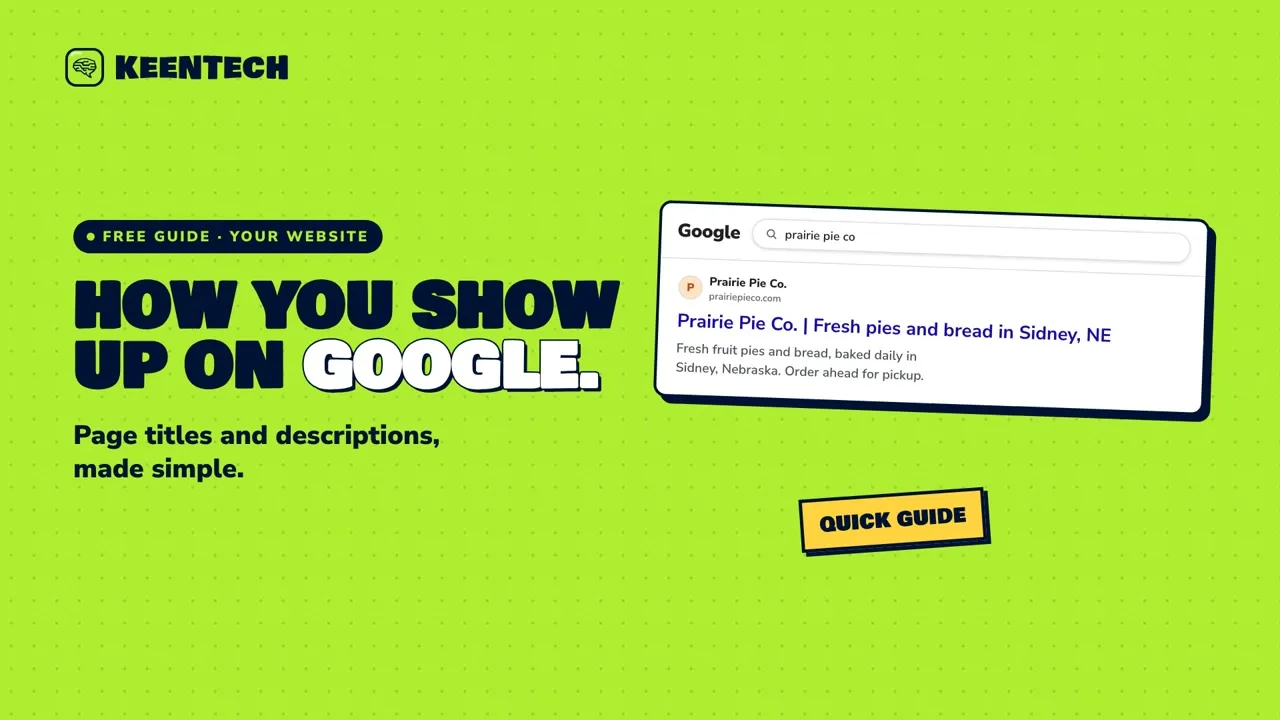 2:00How your website shows up in Google: page titles and descriptionsThe blue link and the short text under it when your business shows up on Google, and how a clear, unique page title and description help you make a good first impression.
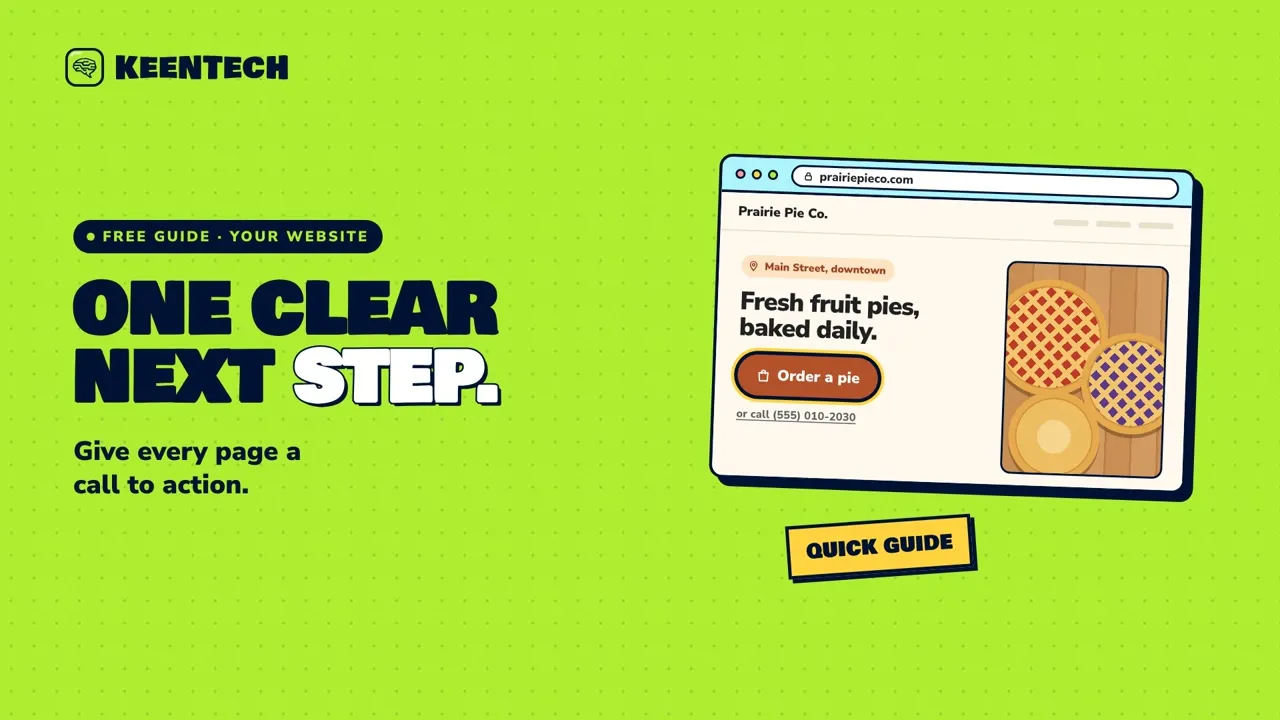 1:54One clear next step on every page (your call to action)Give every page on your website one clear next step, with a button that says exactly what happens, sits near the top and bottom, and is easy to tap on a phone.
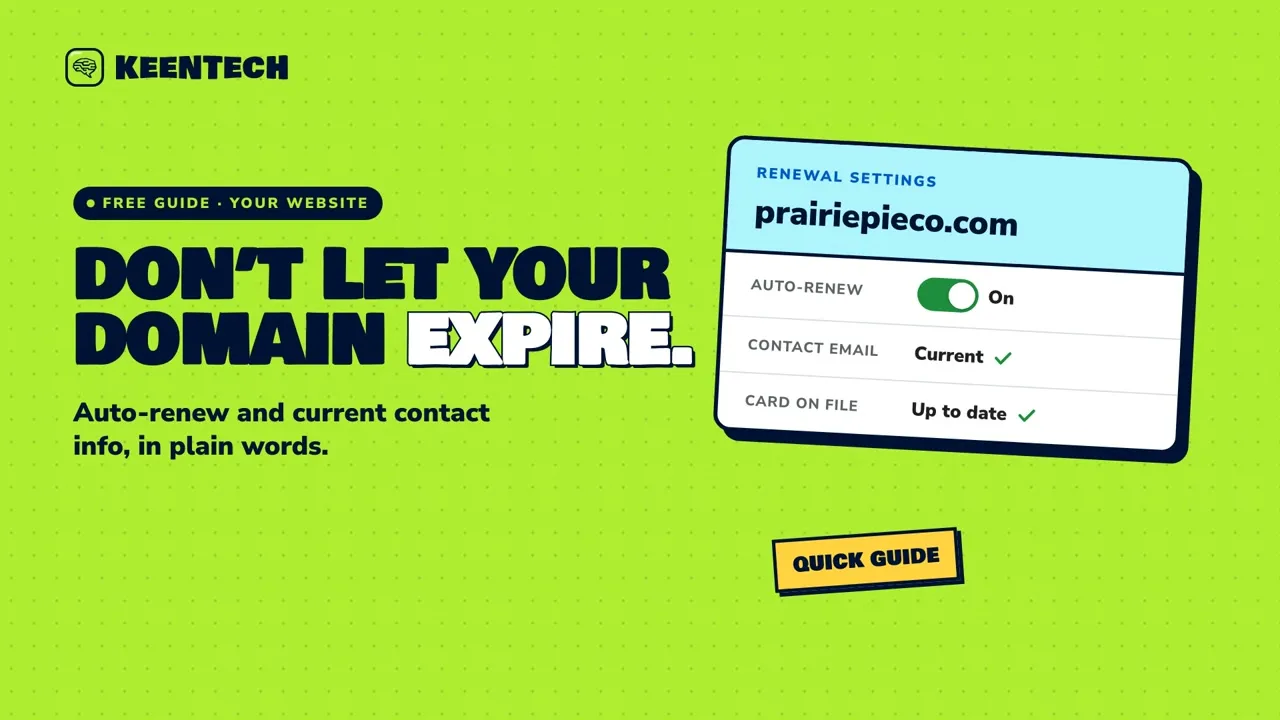 1:54Don’t let your domain expire: auto-renew and current contact infoIf your domain expires, your website and email can stop working. Here’s how to keep it renewed, with auto-renew, a current contact email and an up-to-date card.
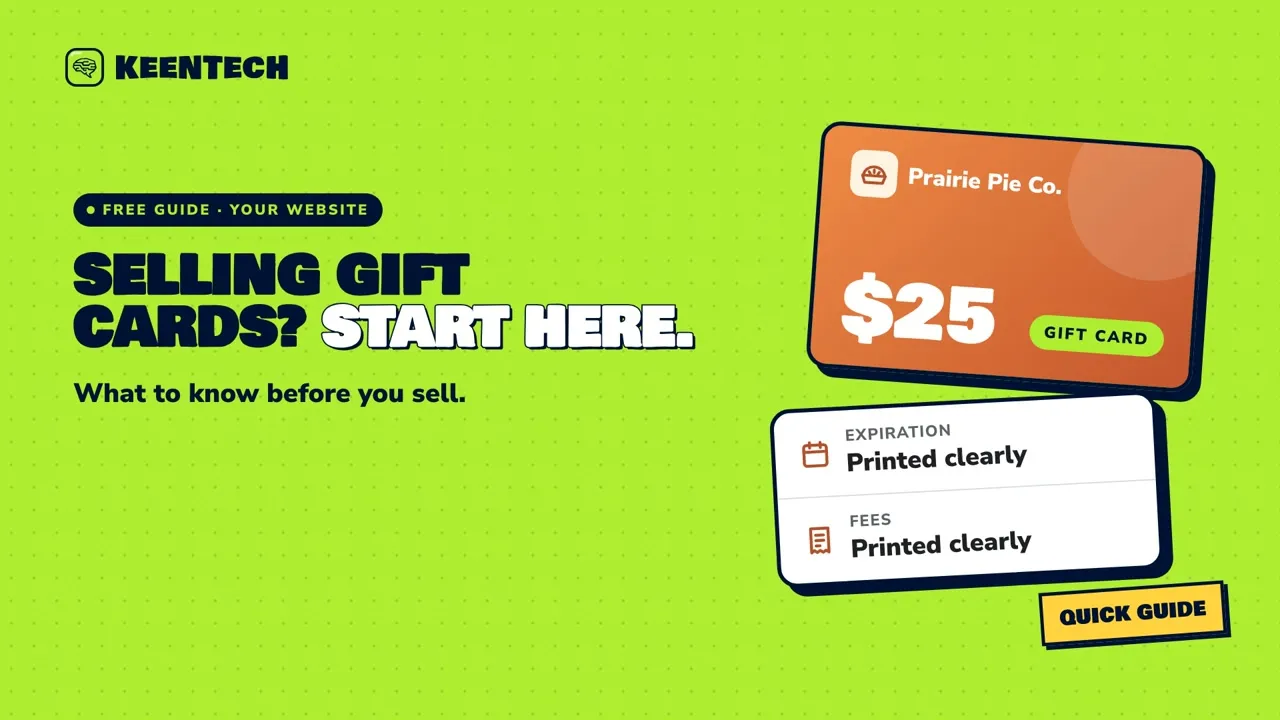 1:54Selling gift cards online: what to know firstBefore you sell gift cards online: pick physical or email cards, know what to ask a gift card provider, learn the basic federal rules on expiration dates and fees, and keep customers safe from gift card scams (general info, not legal advice).
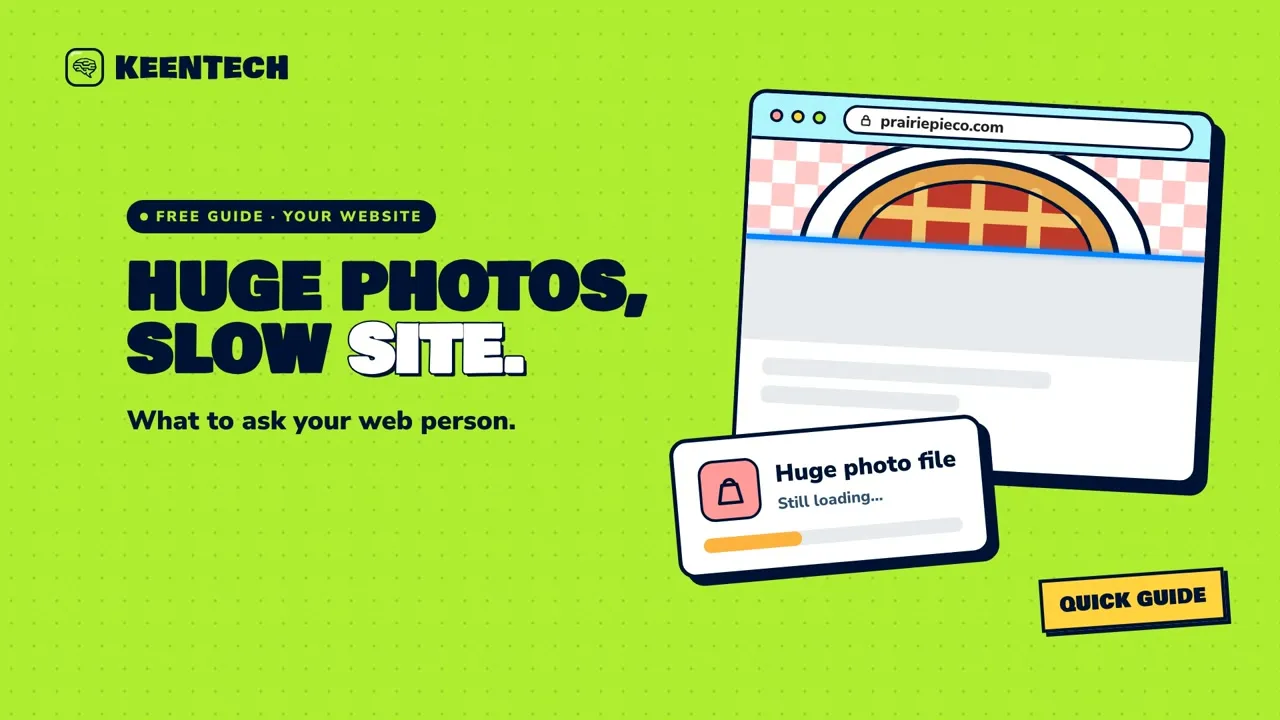 1:50Huge photos slow your site: what to ask your web personHuge photo files can slow your website down, especially for phone visitors on mobile data. Here are five simple things to ask your web person, and how to check the results with Google’s free PageSpeed Insights.
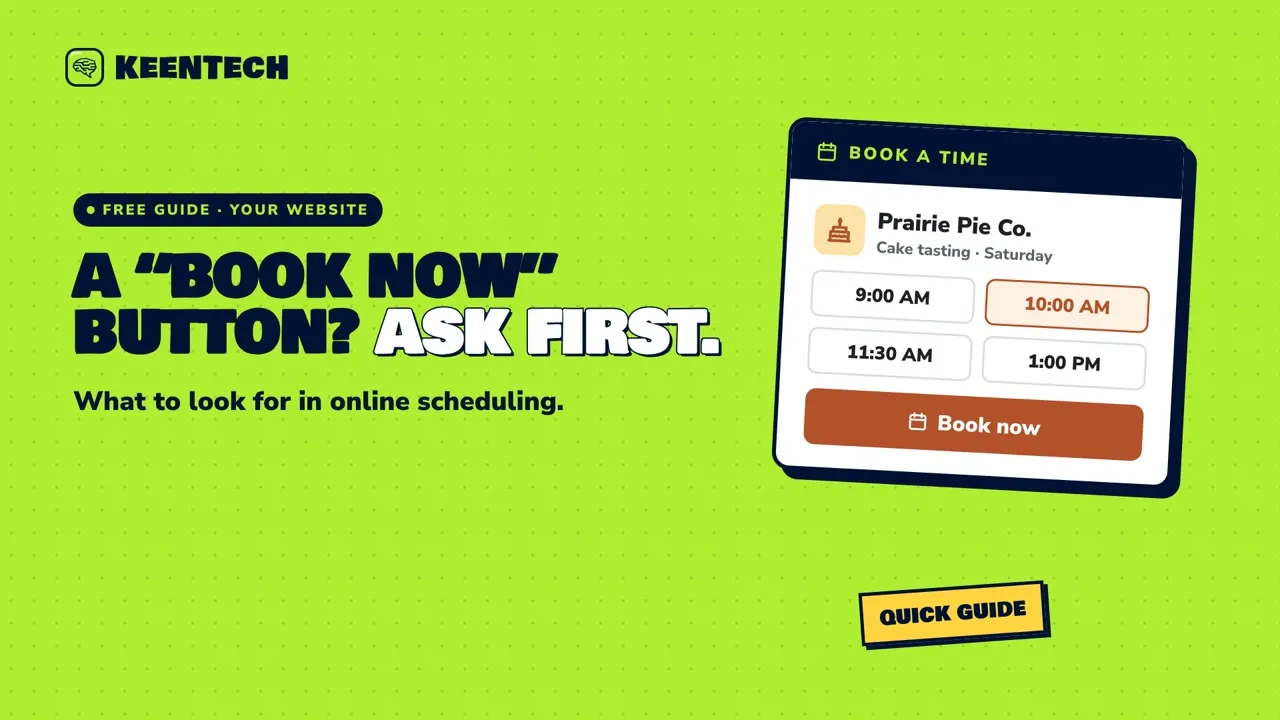 1:53A “Book now” button: what to look for in online schedulingBefore you add a “Book now” button, here are seven plain questions to ask about any online scheduling tool, plus how to place the button and add your booking link to Google.
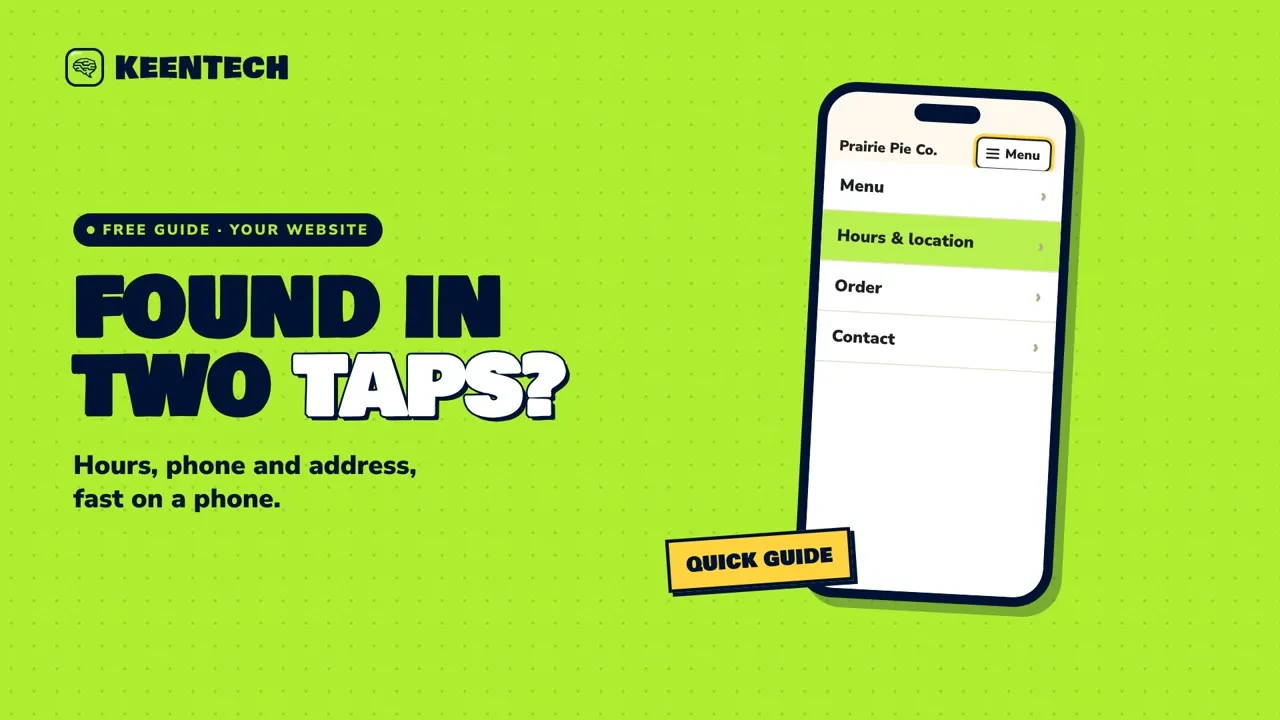 1:59Can people find your hours, phone and address in two taps?A quick two-tap test, plus plain fixes, to make sure people on a phone can find your hours, phone number and address fast.
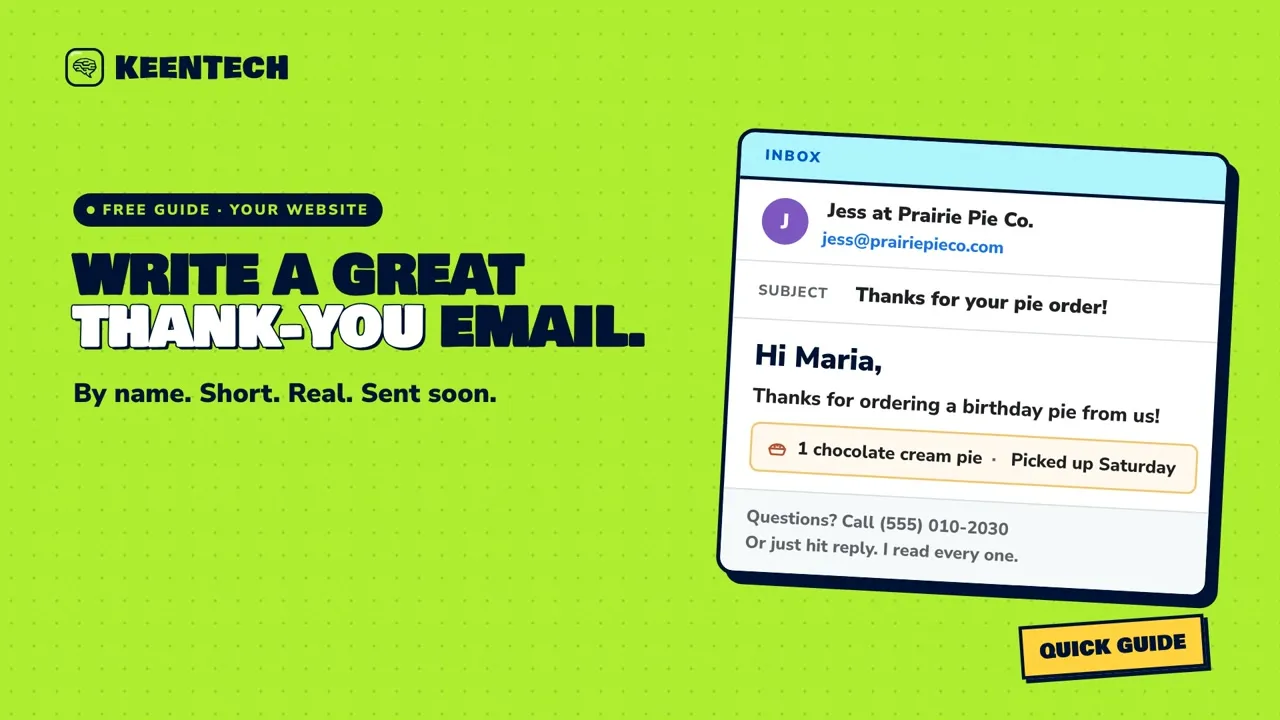 1:57The thank-you email after a purchase or visitHow to write a short, personal thank-you email after a purchase or visit, and when adding a coupon can bring the U.S. CAN-SPAM rules for marketing emails into play.
 2:00Broken links: how to spot them, and why they matterBroken links send customers to a “page not found” dead end. Here’s how to spot them on your site and in the links you’ve shared, and how to fix them with an updated link or a permanent redirect.
Stay safe
Spot the scams that target small businesses, and keep your accounts yours.
 2:02Spot scam calls and emails about your website or Google listingA calm guide to spotting fake “Google” calls, phony domain and SEO renewal bills, and urgent login emails, with four simple habits to stay safe.
 1:56Keep your website, domain and Google logins safeFour calm habits that protect your website, domain, Google and email logins: strong unique passwords, 2-Step Verification, separate access for helpers, and up-to-date recovery info.
 1:58What to do if your website goes downIf your website won’t load, this calm six-step checklist shows how to find out what’s wrong, who to contact, and how to keep customers informed while it’s fixed.
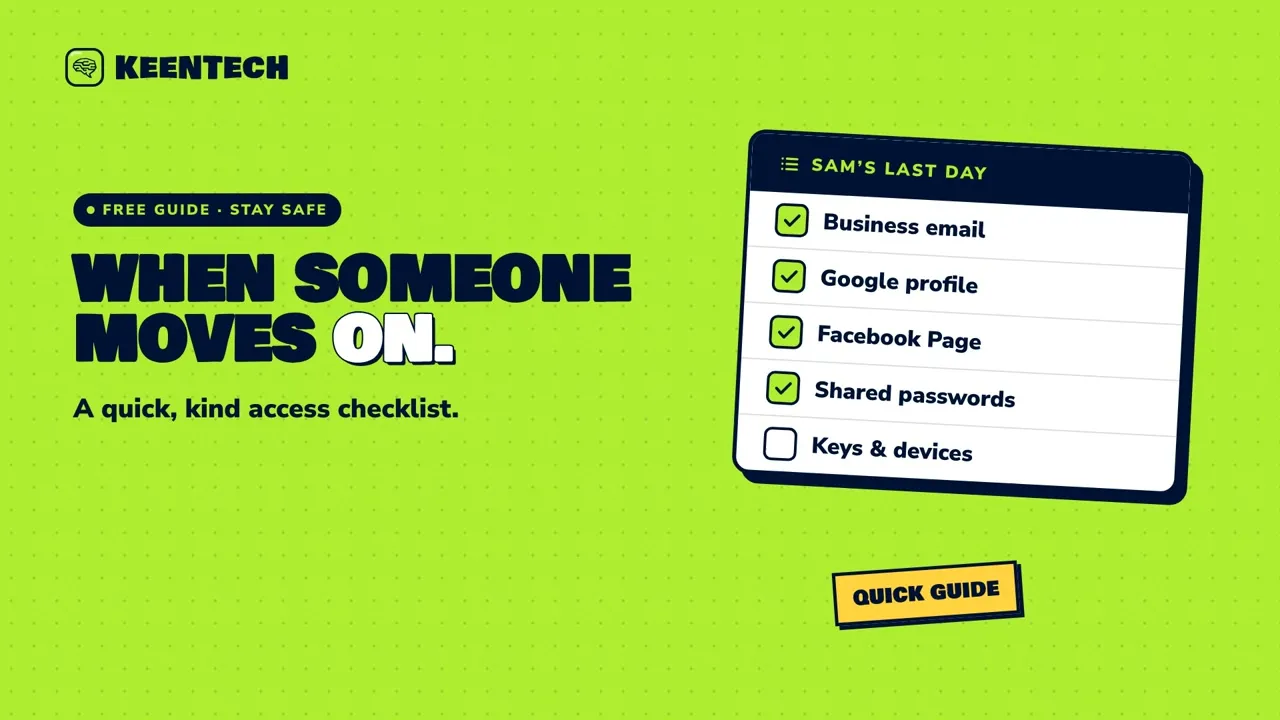 1:53When someone leaves: a quick access checklistWhen someone on your team moves on, this calm checklist shows how to remove or change their access to your email, Google profile, social pages, payments and domain, step by step.
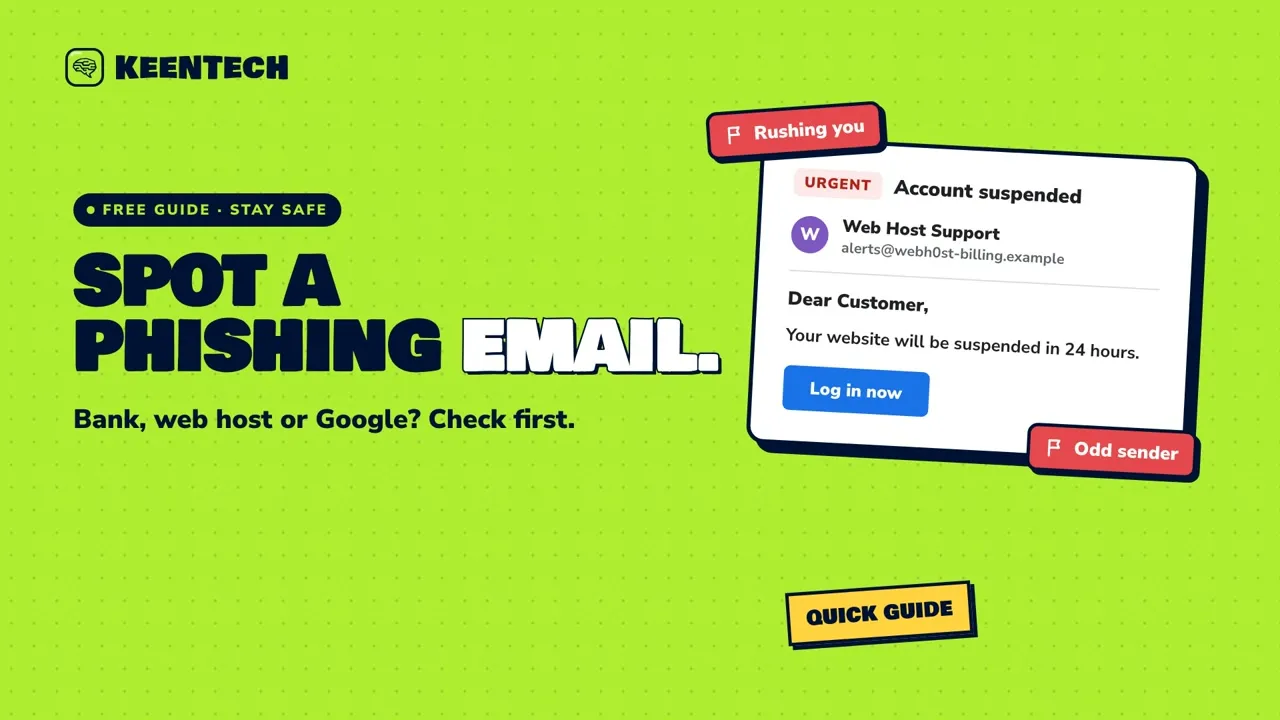 1:58Spot phishing emails that pretend to be your bank, host or GoogleLearn the six signs of a phishing email that pretends to be your bank, web host or Google, and what to do before (and after) you click.
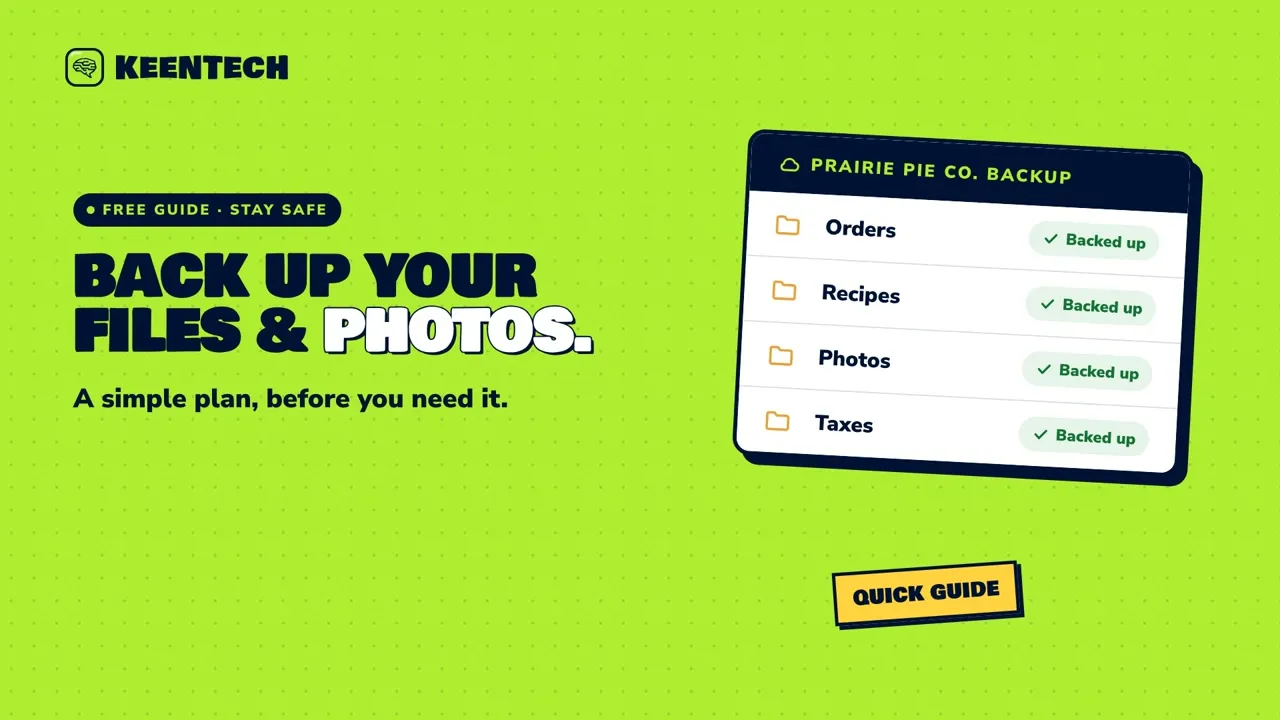 1:44Back up your business files and photosA quick, friendly guide to backing up your business’s important files and photos, using the 3-2-1 rule, automatic cloud backup, an unplugged drive and the occasional test restore.
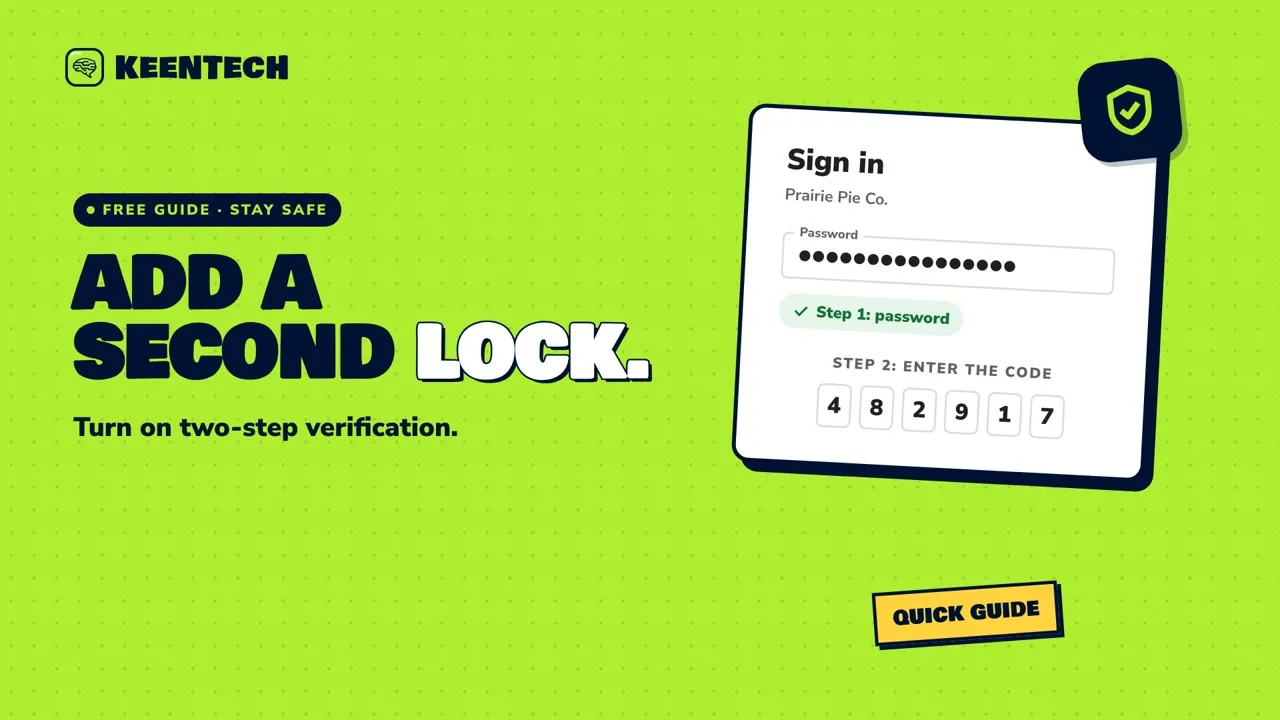 1:42Turn on two-step verification for your business accountsLearn what two-step verification is, which business accounts to protect first, where to turn it on for Google and Facebook, and how to keep your backup codes and sign-in codes safe.
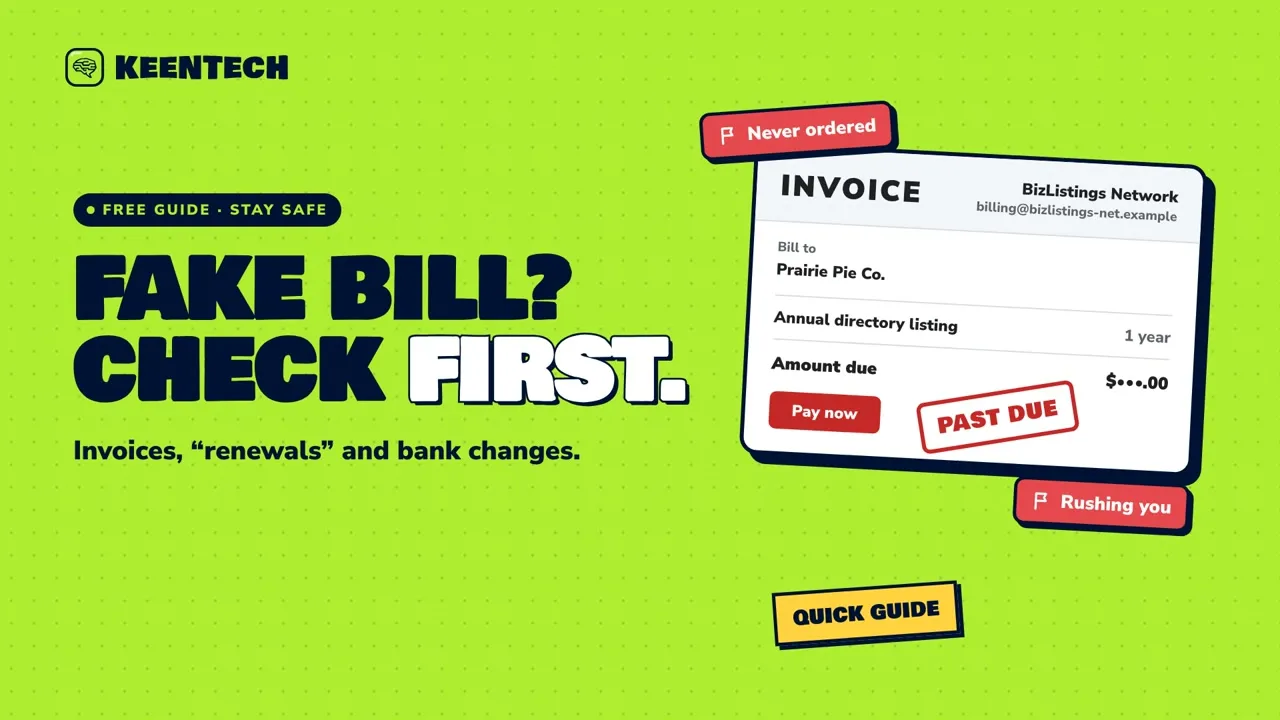 1:44Fake invoices and “renewal” letters: check before you payFake invoices and scary “renewal” letters look official. Here’s how to check a bill before you pay, handle “new bank details” emails, and what to do about goods you never ordered.
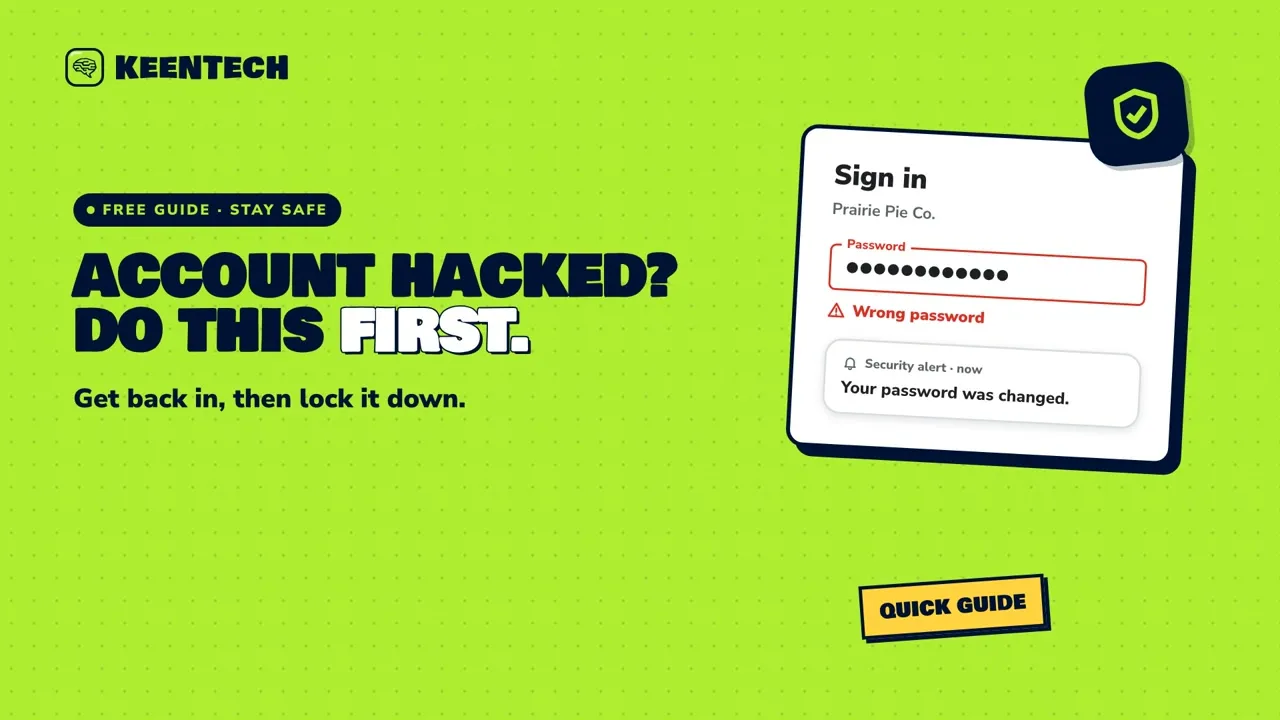 1:52Business account hacked? What to do firstIf someone takes over your business email or social media account, here’s what to do first: get back in through the official recovery page, lock the account down, and warn your customers.
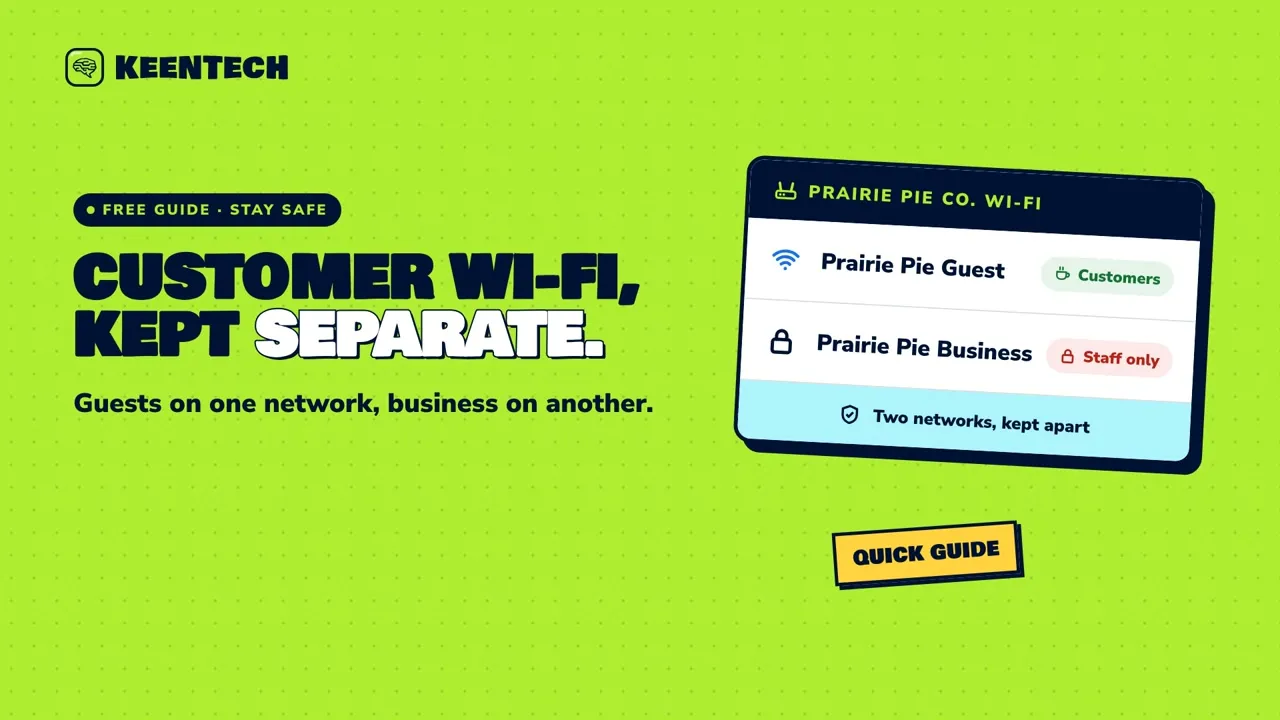 1:46Customer Wi-Fi: keep it separate from your business networkOffering customers free Wi-Fi? Put them on a separate guest network and lock down your router, so your register, computers and cameras stay on a network of their own.
New guides are added every week. Follow KeenTech on Facebook to see them first.
Your turn
Want us to handle it for you?
Most sites go live in about two weeks, with a flat price in writing before any work starts. The first call is free, and you can ask if your build qualifies to be free too.
Get in touch
Let's build something keen.
Tell us about your business and what makes it yours. We reply within 24 hours, the first call is free, and you can ask if you qualify for a free build.
- (308) 280-3368
- Answered 24/7 by our AI receptionist, who passes your details to Cory. For anything detailed, the form is fastest.
- Founded in Nebraska. Projects in multiple states and internationally.